
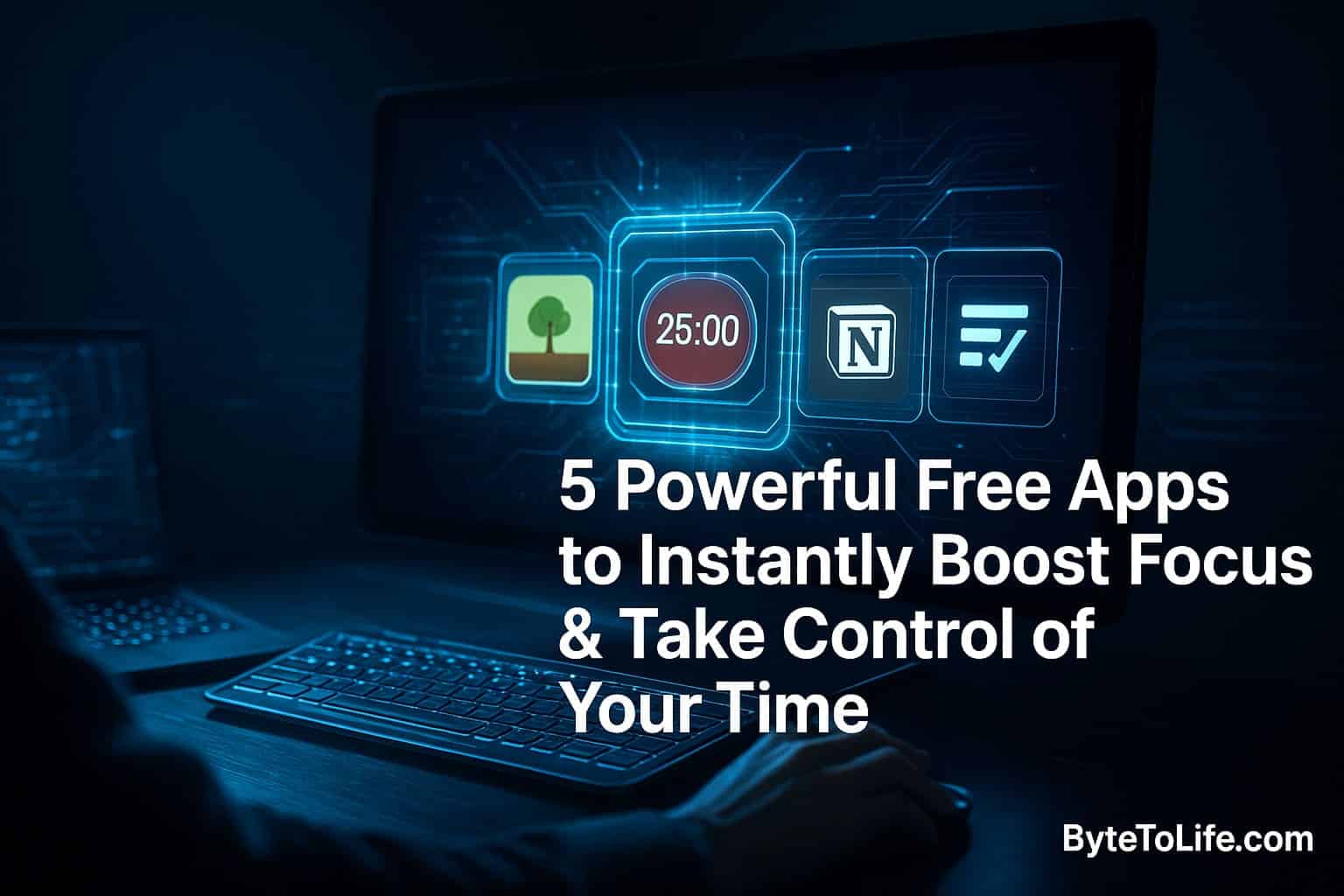
Staying focused sounds simple until real life happens. A notification pops up. You check it “for a second.” Ten minutes later, you’re deep into a rabbit hole you didn’t choose. In a world built to compete for your attention, focus and time management are no longer just personal habits — they’re survival skills for anyone who wants to learn faster, work smarter, or simply feel less overwhelmed.
The good news? The same tech that distracts us also gives us tools to fight back. There are free apps designed specifically to help you concentrate, track where your time goes, and organize your tasks in a way that feels clear instead of chaotic. This guide walks you through five of the most effective free options, plus practical ways to combine them into a system that actually sticks.
If you want to go deeper on building a “Second Brain” workflow with AI and modern productivity tools, check out this ByteToLife guide:
AI-Powered Second Brain for Effortless Productivity.
Why Focus Feels Harder Than Ever
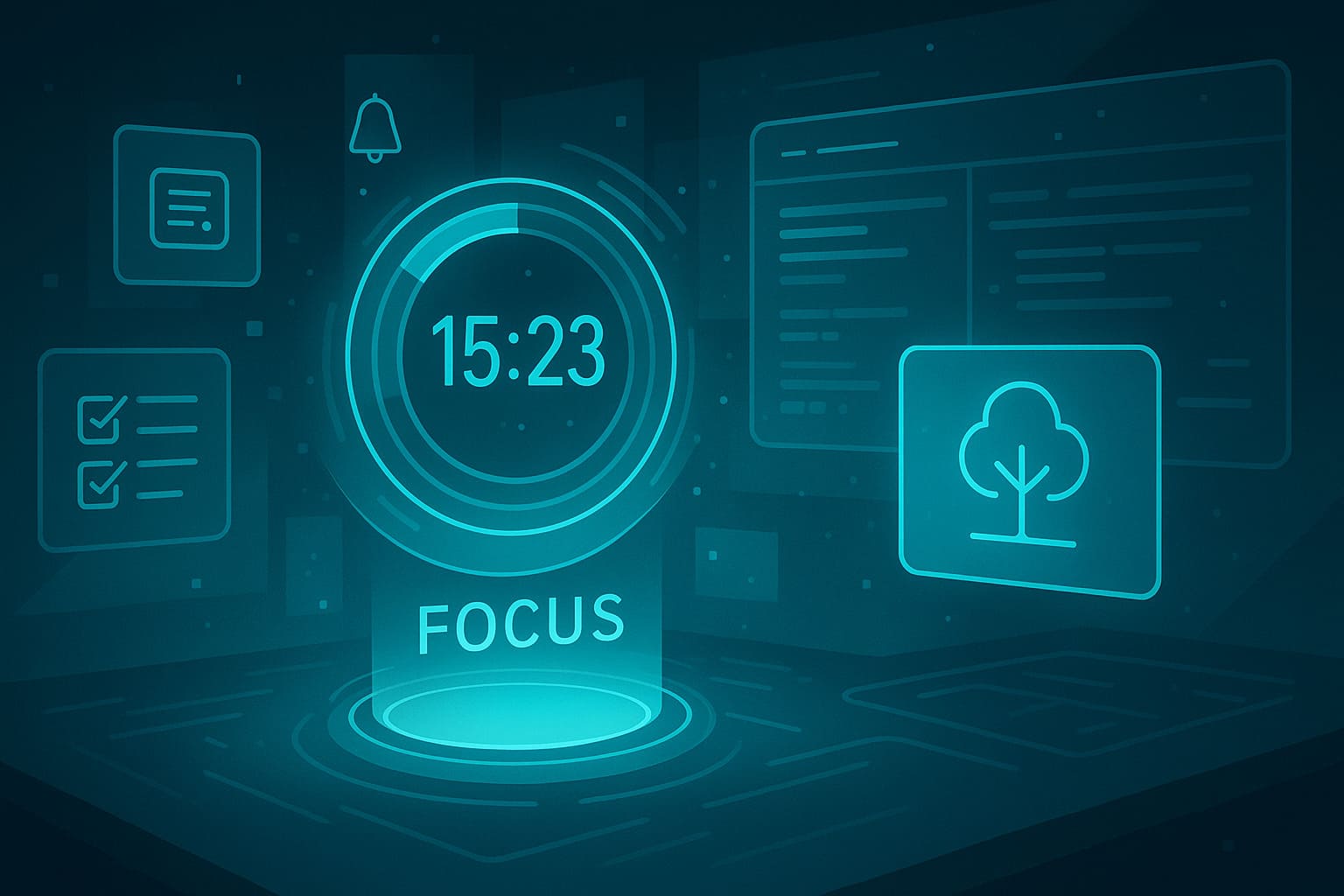
Before jumping into apps, it helps to understand what you’re up against. Focus is hard today for a few reasons:
- Attention is fragmented. We switch between tabs, messages, and tasks so often that the brain never fully “locks in.”
- Notifications trigger impulse loops. Even if you don’t open them, your mind gets pulled out of deep work.
- We underestimate time leaks. Small distractions add up to hours each week.
- Planning fatigue is real. When tasks live in multiple places, your brain wastes energy remembering what to do next.
The apps below counter these issues in different ways — some protect your focus in the moment, others help you plan and measure your time. Use one or mix several depending on your goals.
1. Forest – Stay Focused, Be Present
Platform: iOS, Android, Chrome extension
Best for: Reducing phone distraction and building focus habits
Forest turns focus into something visual and satisfying. When you want to work, you plant a virtual tree. If you remain consistent, the tree gradually grows. If you exit the app to scroll social media or browse, the tree withers. It’s a simple idea, but it works because it adds a tiny emotional cost to distraction. Over time, you build an entire forest that represents your focus streaks.
Why Forest Works
- Gamification without stress. The “don’t kill your tree” rule creates gentle pressure to stay focused.
- Instant commitment device. Planting a tree feels like starting a ritual, which helps your brain switch into work mode.
- Progress you can see. Your forest history becomes a motivating record of deep work sessions.
Best Ways to Use Forest
- Use it during study sessions, writing sprints, or reading blocks.
- Combine it with airplane mode for extra protection.
- Start with short sessions (20–25 minutes) and stretch as your focus increases.
Pro tip: If you’re trying to reduce overall screen time, schedule daily “Forest blocks” at the same hour each day. Repetition turns focus into a default habit, not a willpower battle.
2. Toggl Track – Simple Time Tracking
Platform: Web, macOS, Windows, Linux, iOS, Android
Best for: Understanding where your time goes and fixing hidden leaks
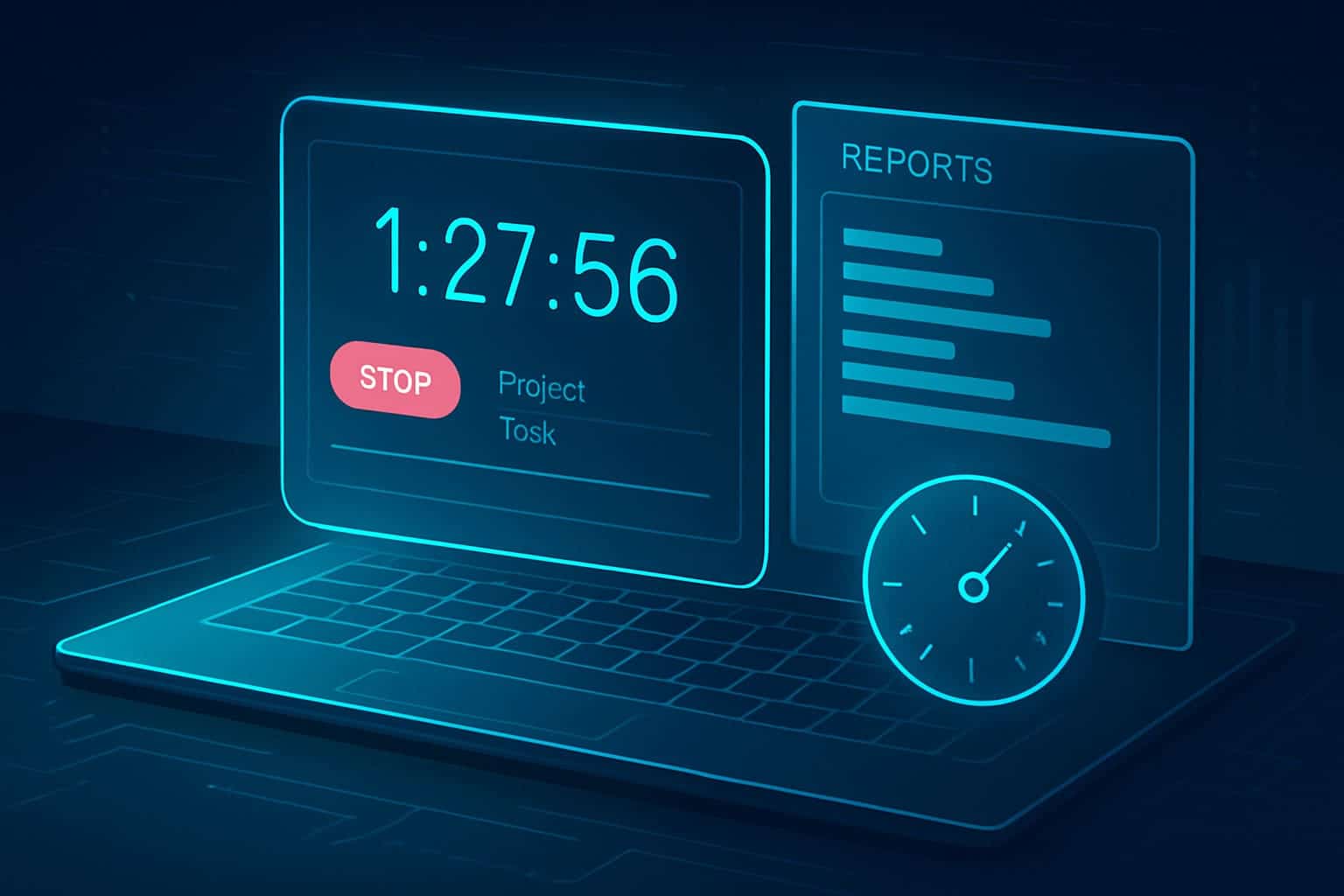
Toggl Track is one of the easiest ways to measure your real work patterns. You start a timer when you begin a task and stop it when you’re done. Over time, Toggl creates reports showing how much time you spend on each project or activity. It’s popular for freelancers and teams, but it’s just as useful for personal productivity.
What Toggl Helps You See
- Reality vs. assumptions. Many people think they work 6 hours but track only 3–4 hours of focused time.
- Your biggest time drains. Meetings, admin tasks, or social scrolling often show up clearly in reports.
- Task costs. You learn how long things truly take, which makes planning easier.
How to Use Toggl Without Feeling “Micromanaged”
- Track only a few categories at first (e.g., “Deep Work,” “Admin,” “Breaks”).
- Do a 7-day “time audit” and review patterns on the weekend.
- Use tags like “focused” vs. “distracted” to compare quality, not just quantity.
Pro tip: After you identify your biggest time sinks, set boundaries using a focus app like Forest or Pomofocus. Measurement + action is where change happens.
3. Notion – Your All-in-One Workspace
Platform: Web, iOS, Android, Windows, macOS
Best for: Organizing tasks, notes, and projects in one calm dashboard
Notion is a flexible workspace where you can combine notes, to-do lists, databases, calendars, and personal knowledge systems. The free plan is more than enough for individuals, and it’s easy to build a personalized productivity hub that matches how your brain works.
What Makes Notion So Powerful
- Everything in one place. Notes, tasks, and plans don’t scatter across five apps.
- Templates save time. You can use pre-built layouts for goal tracking, study systems, or habit dashboards.
- Databases scale with you. A simple task list can evolve into a full project management system.
- Cross-device sync. Your workspace is always available on phone or laptop.
Simple Notion Setup for Focus & Time Control
- Create a “Today” page with 3 priority tasks only.
- Add a weekly planner view (calendar or list).
- Keep a “Quick Capture” box for random ideas so they don’t distract you mid-work.
Pro tip: Notion becomes even more powerful when you apply a Second Brain approach. If you want a step-by-step system, use this internal guide:
How to Build an AI-Powered Second Brain.
4. Pomofocus – Pomodoro Timer
Platform: Web (mobile-responsive)
Best for: Time-blocking and deep focus with built-in breaks
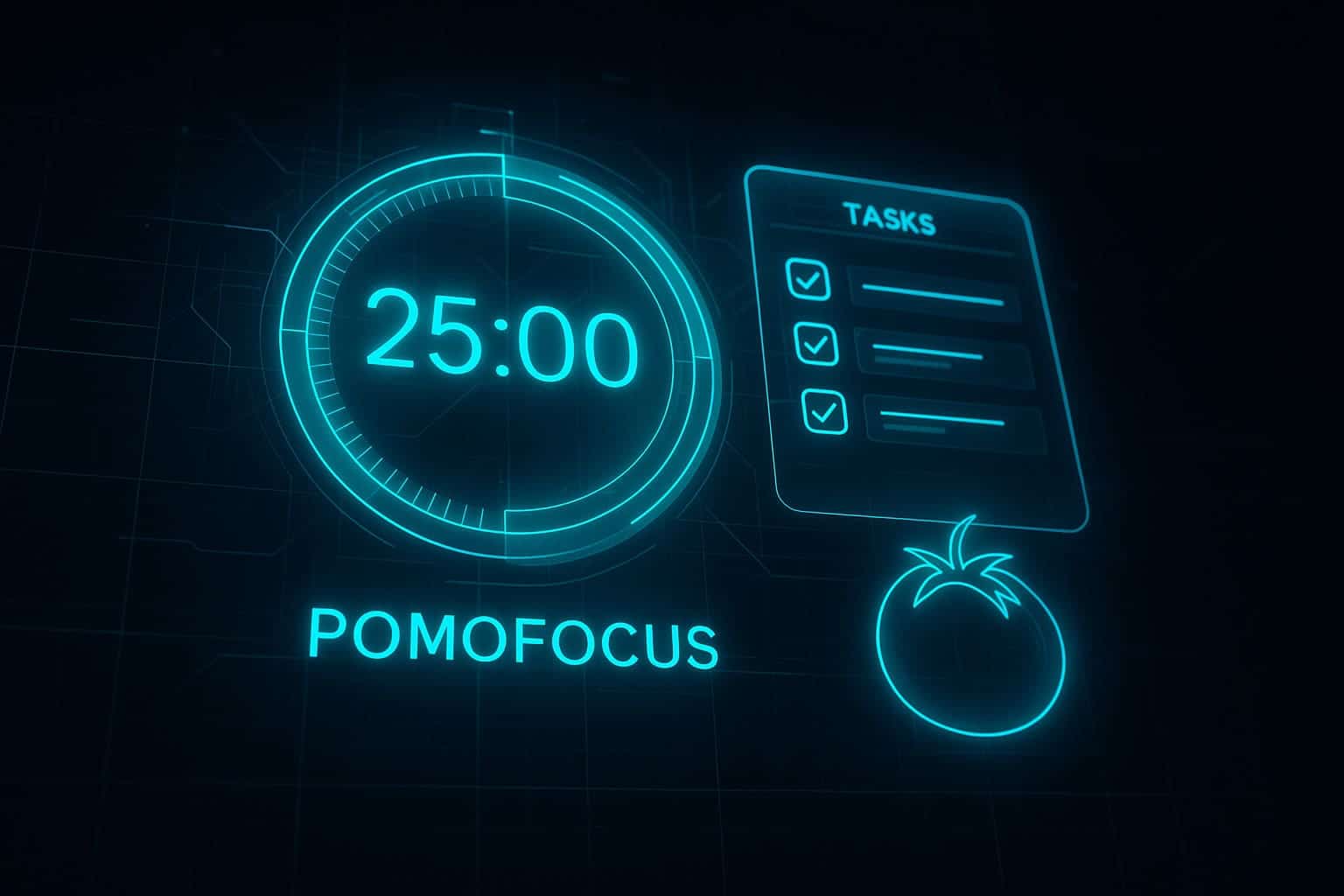
Pomofocus is a clean, browser-based Pomodoro timer that helps you focus by working in short sprints (usually 25 minutes) followed by a break. It’s inspired by the Pomodoro Technique created by Francesco Cirillo and requires no installation or login to start.
Why the Pomodoro Method Still Works
- Clear start and finish lines. A 25-minute block feels achievable even when motivation is low.
- Breaks reduce burnout. You stay sharp longer without pushing into fatigue.
- It trains focus endurance. Sprint-style work builds attention like a muscle.
How to Get More Out of Pomofocus
- Plan 1–3 Pomodoros per task instead of time-guessing.
- Use the task list inside Pomofocus to track wins.
- Increase intervals for deep creative work once 25 minutes feels easy.
Pro tip: Pair Pomofocus with a distraction blocker (Forest or browser focus mode). Pomodoro works best when your environment supports it.
5. Trello – Visual Task Management
Platform: Web, iOS, Android
Best for: Visual project planning with Kanban boards
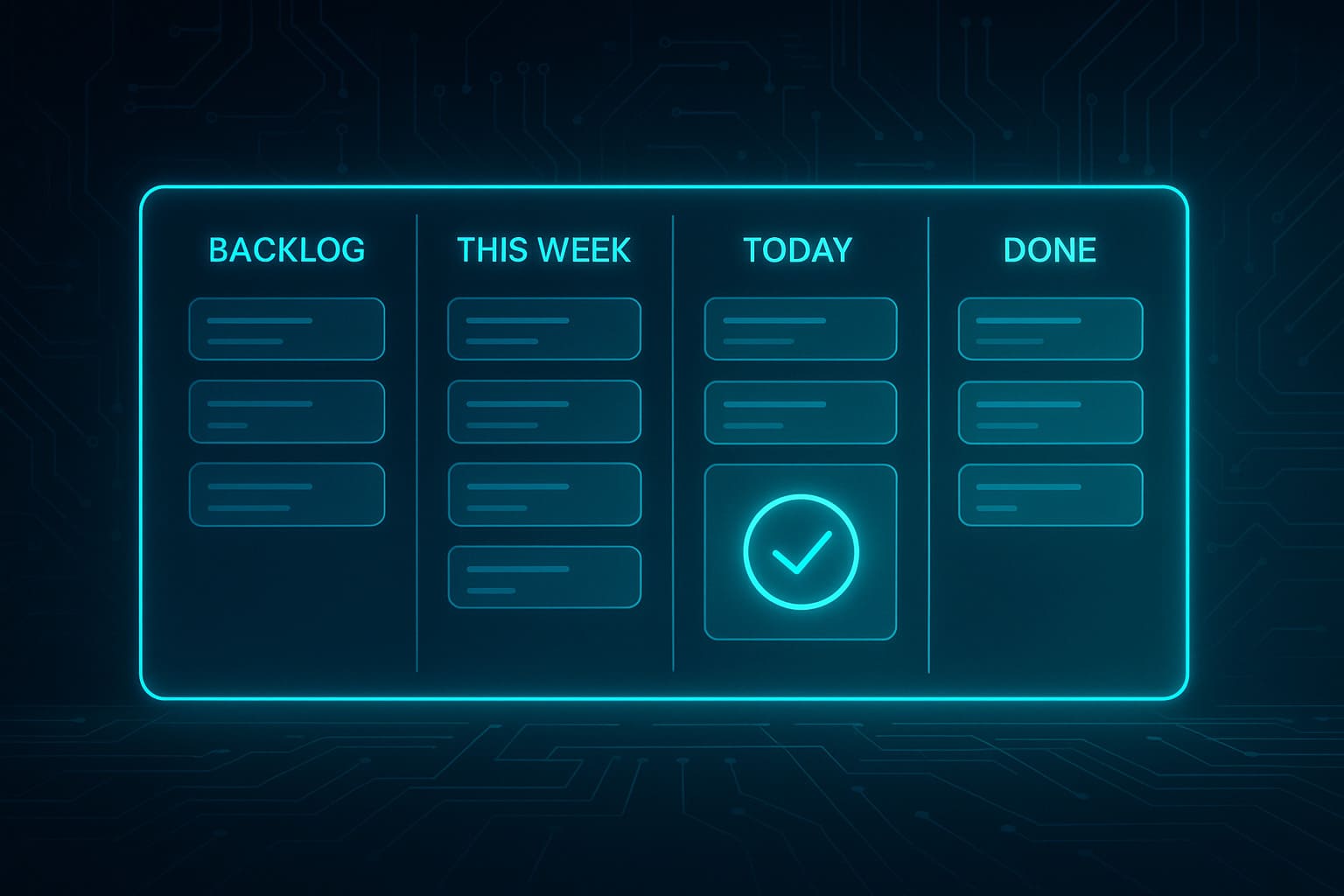
Trello uses the Kanban method — you organize tasks into columns like “To Do,” “Doing,” and “Done.” Each task is a card you can drag through your workflow. It’s simple enough for personal use but powerful enough for teams. The free plan includes core features and a lot of flexibility.
Why Trello Helps Your Brain Relax
- Instant clarity. You can see what’s pending, active, and finished in one glance.
- Less mental load. Once tasks are on a board, your brain stops trying to remember everything.
- Progress feels real. Moving a card to “Done” gives a quick dopamine boost.
Simple Trello Board for Personal Productivity
- Backlog: everything you might do someday
- This Week: tasks that matter in the next 7 days
- Today: max 3 priorities only
- Done: completed tasks (keep them for motivation)
Pro tip: If your workflow includes multiple projects, make one board per project and one master “Life Dashboard.” Trello stays simple when boards stay focused.
How to Choose the Right App for You
Different goals need different tools. Here’s a quick guide:
- Reduce phone distraction: Forest
- Track time and fix hidden leaks: Toggl Track
- Centralize notes and tasks in one hub: Notion
- Boost short-term focus through sprints: Pomofocus
- Organize projects visually: Trello
If you want a more AI-assisted workflow (like using AI to summarize tasks, review notes, or build smarter routines), you’ll like this internal read:
How AI Tools Are Revolutionizing Productivity.
A Simple “Stack” That Works for Most People
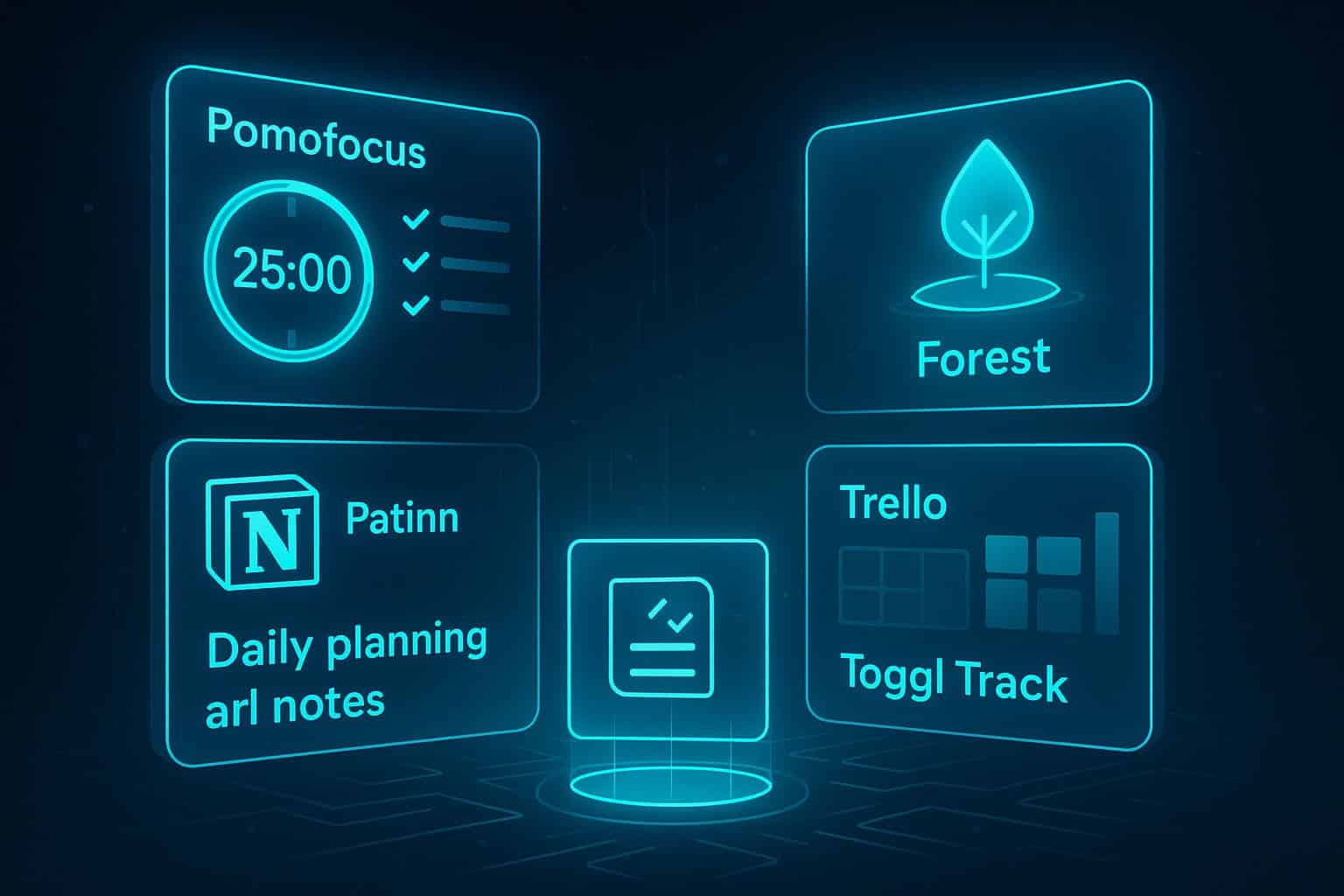
You don’t need five apps running at once. But some combinations are especially powerful. Here’s a simple stack:
Focus + Planning Stack
- Pomofocus for deep-work sprints
- Notion for daily planning and notes
Distraction-Proof Stack
- Forest to keep your phone locked down
- Pomofocus for timed work blocks
Project + Time Audit Stack
- Trello for visual task flow
- Toggl Track to measure how long tasks really take
Start with one stack for two weeks. Once it feels natural, add another tool if you truly need it.
Bonus Tips for Maximum Productivity
- Pick 3 priorities per day. More than that usually turns into procrastination.
- Batch similar tasks. Grouping email, calls, and admin work reduces context switching.
- Mute non-essential notifications. If it’s not urgent, it doesn’t deserve to interrupt you.
- Schedule breaks like tasks. Rest is part of your system, not a reward after suffering.
- Review weekly. A 20-minute Sunday reset in Notion keeps your system clean.
Want a clean weekly reset method? This ByteToLife article goes deep on maintaining a Second Brain system long-term:
Long-Term Maintenance for a Second Brain.
Frequently Asked Questions (FAQ)
If you’re new to productivity tools, Forest or Pomofocus is a great place to start. They are simple, distraction-free, and help you build small focus habits without overwhelming features.
Yes. Notion’s free plan is more than enough for personal workflows such as task lists, study notes, journals, project boards, and even building a Second Brain system.
Absolutely. Many people combine apps to create a system—for example, using Notion for planning, Pomofocus for work sprints, and Toggl Track for monitoring time usage. Just avoid using too many at once to prevent overwhelm.
Forest helps you avoid phone distraction through a gamified tree-growing system. Pomofocus helps you work in structured time blocks using the Pomodoro Technique. They can be used together for stronger focus.
Time tracking isn’t mandatory, but tools like Toggl Track give you clear insights into how you spend your day. This helps identify hidden time leaks and allows you to plan more realistically in the future.
Notion works extremely well for busy people because it centralizes notes, tasks, calendars, and reminders in one place. If your challenge is staying focused, Pomofocus or Forest may be even more helpful.
Yes. Trello is great for personal workflows like housework planning, fitness goals, study tasks, weekly planning, or tracking long-term projects. The visual drag-and-drop layout makes everything easy to manage.
Start with one app that solves your most urgent problem, such as focus or organization. Use it for 7–14 days before adding another. Productivity grows from small consistent habits, not from using many tools at once.
Conclusion: Focus Isn’t a Talent — It’s a System You Can Build

At the end of the day, productivity isn’t about becoming some flawless, always-motivated machine. Real life is messy. Your energy changes. Your mood shifts. Some days feel clear and powerful, while other days feel like you’re carrying a brain full of open tabs. That’s normal. The problem isn’t that you “lack discipline.” The problem is that modern life constantly pulls you away from what matters — quietly, endlessly, and often without you noticing.
That’s exactly why tools like Forest, Toggl Track, Notion, Pomofocus, and Trello matter. Not because they magically make you productive overnight, but because they help you design an environment where focus becomes easier. They act like guardrails when your attention wants to drift, and like spotlights when your priorities get blurry. They don’t replace your willpower — they protect it.
And here’s something most people don’t realize until they’ve struggled with it for years: time management is not really about time. It’s about meaning. It’s about deciding what deserves your best hours and what doesn’t. It’s about learning to say “not now” to distractions so that your future self can say “thank you.” When you track your hours in Toggl, organize your world in Notion, sprint with Pomofocus, or drag tasks across a Trello board, you’re doing more than planning work. You’re choosing a life that feels less scattered and more intentional.
Maybe right now you’re trying to study consistently. Maybe you’re building a side hustle. Maybe you’re chasing a big creative project you keep postponing because you’re tired of feeling overwhelmed. Wherever you are, the goal isn’t perfection. The goal is momentum. These apps are momentum tools. They help you start when you don’t feel like it. They help you stay when it gets boring. And they help you finish — which is where confidence is born.
So don’t overthink it. You don’t need a complicated setup or five apps running at once. Start with the one that solves your biggest pain point today. Use it for a week or two. Let it become part of your rhythm. Then upgrade your system only if you truly need it. That’s how real productivity grows — quietly, steadily, without burnout.
Most importantly, remember this: every focused session you complete is proof that you’re capable. Every day you plan with clarity is a vote for the person you’re becoming. And every small habit you repeat is a step out of chaos and into control. Focus isn’t something you’re born with. It’s something you build — one session, one task, one better choice at a time.
You’ve got this. Start small today, protect your attention, and watch how quickly your time — and your life — begins to feel like it belongs to you again.