


Modern productivity tools promise to make life easier, yet most people still feel overwhelmed by constant meetings, scattered tasks, and endless notifications. Your calendar may look organized, but deep down, it’s often just a grid of obligations—leaving no space for real focus.
That’s why AI time blocking has quietly become one of the most transformative productivity shifts today. Instead of manually planning your day, AI learns how you work, understands your rhythms, and automatically protects the hours when your mind is sharpest. It becomes your invisible assistant—one that arranges tasks, shields your focus, and rebuilds your workflow from the ground up.
This guide shows you exactly how AI time blocking works, why it’s becoming essential for digital productivity, and how you can design a smarter, calmer, more intentional workday using AI-driven scheduling.
Why Your Current Calendar Is Quietly Ruining Your Focus
Even productive people suffer from calendars packed with back-to-back meetings, shallow tasks, and endless context switching. The problem isn’t just how much you have to do—it’s how your time is structured.
Your Calendar Is Reactive, Not Strategic
Most calendars operate like inboxes: anything can be added, and it’s your job to make the pieces fit. Tasks compete with meetings, priorities shift constantly, and your day fills up with things that matter less than the work you actually want to do.
- You accept meetings based on availability, not energy levels.
- You multitask to stay afloat.
- You rarely schedule deep work intentionally.
- Your day becomes an exhausting puzzle of small decisions.
The result? Burnout disguised as “being busy.”
The Hidden Cost of Context Switching
Neurologically, switching tasks—even a little—costs more mental energy than people realize. Research shows that it can take up to 20–25 minutes to regain full focus after a distraction. If you switch tasks 10–15 times a day, you lose several hours of productive attention—without noticing.
This is why traditional productivity strategies fail: your calendar doesn’t protect your cognitive load. AI time blocking changes that dynamic completely.
What Is AI Time Blocking?
AI time blocking is the automatic scheduling of tasks, habits, deep work, and breaks based on your energy patterns, workload, deadlines, and personal preferences. Instead of you deciding what goes where, AI reshapes your day around your most productive hours.
Traditional Time Blocking vs. AI Time Blocking
| Traditional Time Blocking | AI Time Blocking |
|---|---|
| Manually planning blocks | AI optimizes blocks automatically |
| Easily disrupted by meetings | AI protects deep work from interruptions |
| Static and inflexible | Dynamic and recalculated daily |
| You manage changes yourself | AI rearranges priorities intelligently |
The result is a fluid, self-adjusting calendar that behaves more like a personal workflow engineer rather than a static calendar grid.
How AI Time Blocking Actually Works
An AI scheduling system (like Motion, Reclaim, or Notion Calendar AI) uses machine learning to analyze:
- Your past task completion habits
- Your meeting history
- Your typical energy peaks and dips
- Your deadlines and recurring responsibilities
- Your focus patterns (mornings vs. afternoons)
- Your interruptions and rescheduling trends
Then, it builds a calendar that adapts in real time. For example:
- If a new meeting is added, AI automatically reschedules your focus block.
- If you consistently work better in late mornings, AI protects that period.
- If you procrastinate on certain tasks, AI moves them earlier.
- If a deadline approaches, AI increases the priority of related tasks.
AI Builds Your Workday Around Your Brain, Not Your To-Do List
The magic of AI scheduling is that it aligns work blocks with your cognitive energy curve—your natural daily rhythm of focus, fatigue, and recovery. This means:
- Deep work during peak energy
- Shallow tasks during low energy
- Breaks placed at scientifically optimal intervals
- Zero mental effort to plan the day
It’s not about doing more work. It’s about designing a day where your brain finally gets the environment it needs to perform at its best.
Why AI Time Blocking Is Trending in Digital Productivity
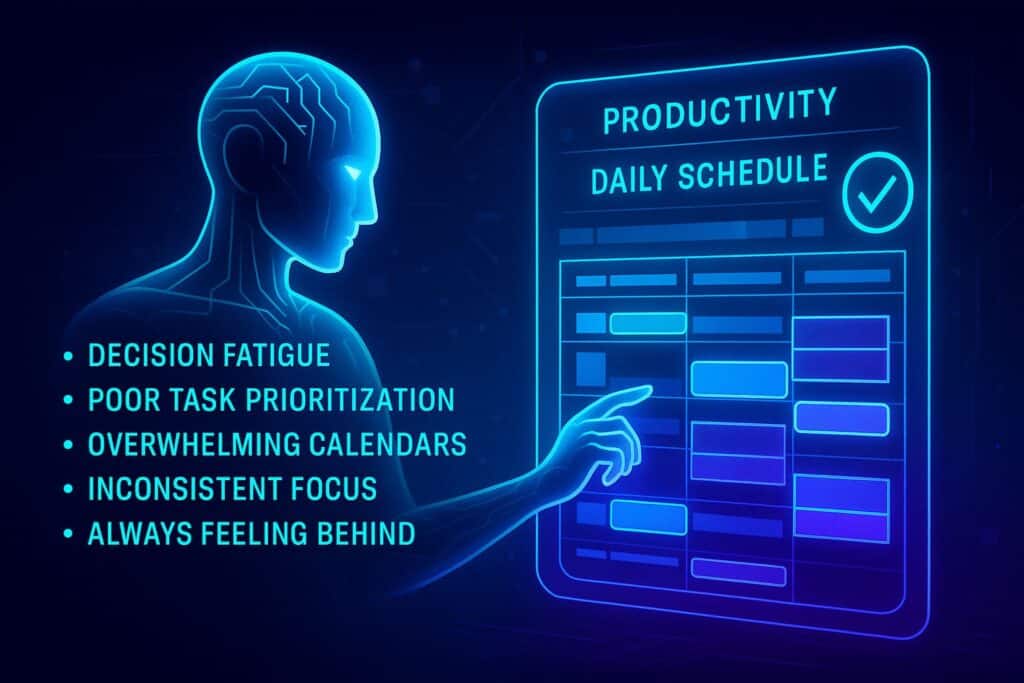
AI scheduling tools have surged in popularity because workers are demanding systems that reduce stress—not add more complexity. These tools quietly solve problems many people struggle with:
- Decision fatigue
- Poor task prioritization
- Overwhelming calendars
- Inconsistent focus
- Always feeling behind
Instead of giving you another dashboard or “productivity hack,” AI rebuilds your entire structure of time. This is similar to how AI-powered second brain systems help automate information processing—but here, the focus is your daily schedule.
That’s why AI time blocking has become one of the most practical, high-impact trends in the digital productivity space.
The Psychology Behind AI-Optimized Scheduling
People are often shocked by how much calmer and more controlled their days feel after switching to AI-driven time blocking. That’s because the system taps into three core psychological drivers:
1. Cognitive Offloading
Your brain is terrible at remembering tasks—but excellent at executing them when placed in the right environment. By letting AI handle scheduling, you reduce mental clutter and free up working memory.
2. Reduced Micro-Stress
Every decision—when to start, what to prioritize, when to switch tasks—creates small spikes of cortisol. AI removes dozens of micro-decisions, creating a more peaceful workday.
3. Predictability and Rhythm
Humans thrive with consistent routines. AI algorithms generate patterns that stabilize your week, improve emotional regulation, and reduce the chaos of unpredictable workflow.
This is similar to habit systems used in automated workflows, which you can explore deeper in ByteToLife’s guide:
How AI Tools Are Revolutionizing Productivity.
Signs You Need AI Time Blocking (Even If You Think You Don’t)
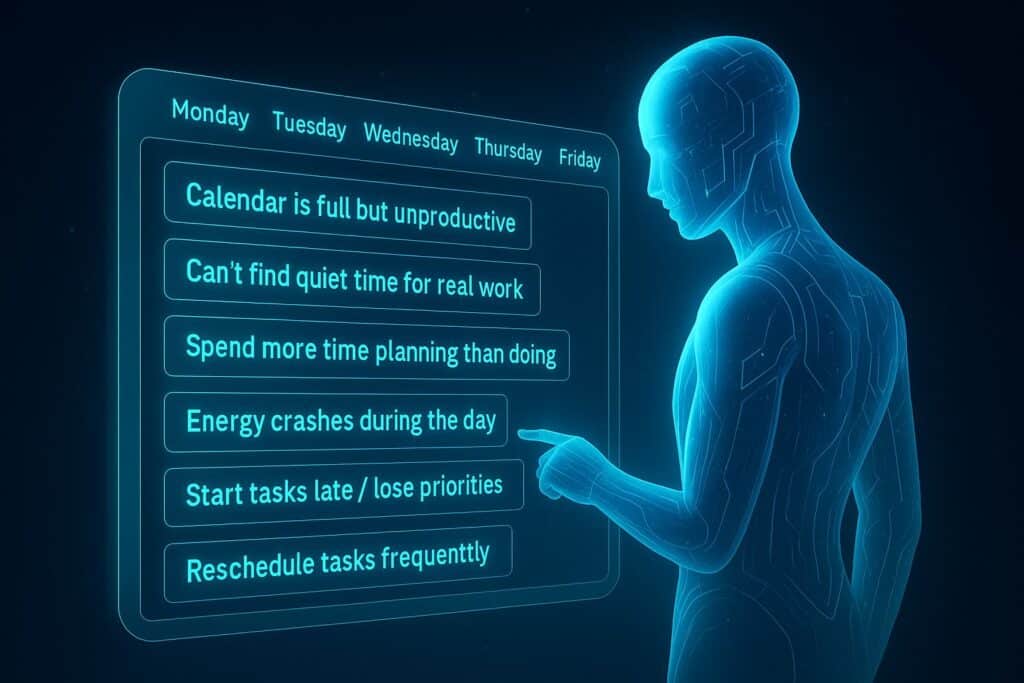
You’ll benefit from AI time blocking if any of these feel familiar:
- Your calendar is full but feels unproductive.
- You can’t find quiet time for real work.
- You spend more time planning tasks than doing them.
- Your energy crashes at random points during the day.
- You often start tasks late or lose track of priorities.
- You reschedule tasks frequently.
Many people think they need “better discipline.” But in most cases, they just need a better system—one that adapts automatically.
Preparing for an AI-Driven Workday
Before you let AI restructure your calendar, set a few ground rules so the system knows what matters most:
1. Define Your Non-Negotiables
These could include:
- Morning deep focus (e.g., 9–11am)
- No meetings after 4pm
- Lunch break at the same time daily
- Personal or family time
2. Set Realistic Task Durations
AI is smart, but if you underestimate task time, the schedule becomes chaotic. Be generous when estimating.
3. Categorize Your Work
Tag tasks as:
- Deep Work
- Shallow Work
- Urgent
- Long-Term
- Creative
These categories help AI align tasks with your energy curve.
How to Build Your First AI-Optimized Calendar
Now that you understand how AI time blocking works, it’s time to design your own system.
The goal is not to create a perfect schedule.
The goal is to create a self-adjusting environment where your best work happens automatically.
This section gives you a complete framework for setting up AI scheduling—whether you use Motion, Reclaim, Notion Calendar AI, or a similar tool.
Step 1: Map Out All Your Work Categories
Your AI calendar can only optimize what it understands. Before adding tools or automating anything, spend a few minutes defining the core work categories that shape your week.
Typical categories include:
- Deep Work — focused, high-cognitive tasks.
- Meetings — syncs, calls, reviews.
- Shallow Work — emails, admin tasks, small updates.
- Creative Work — writing, designing, brainstorming.
- Breaks — rest periods for cognitive recovery.
- Life Blocks — personal commitments, workouts, family time.
You don’t need to be overly detailed.
Just give AI enough structure to understand the “shape” of your work.
This is the foundation for a smarter calendar.
Step 2: Select the Ideal AI Tool for Automated Time Blocking
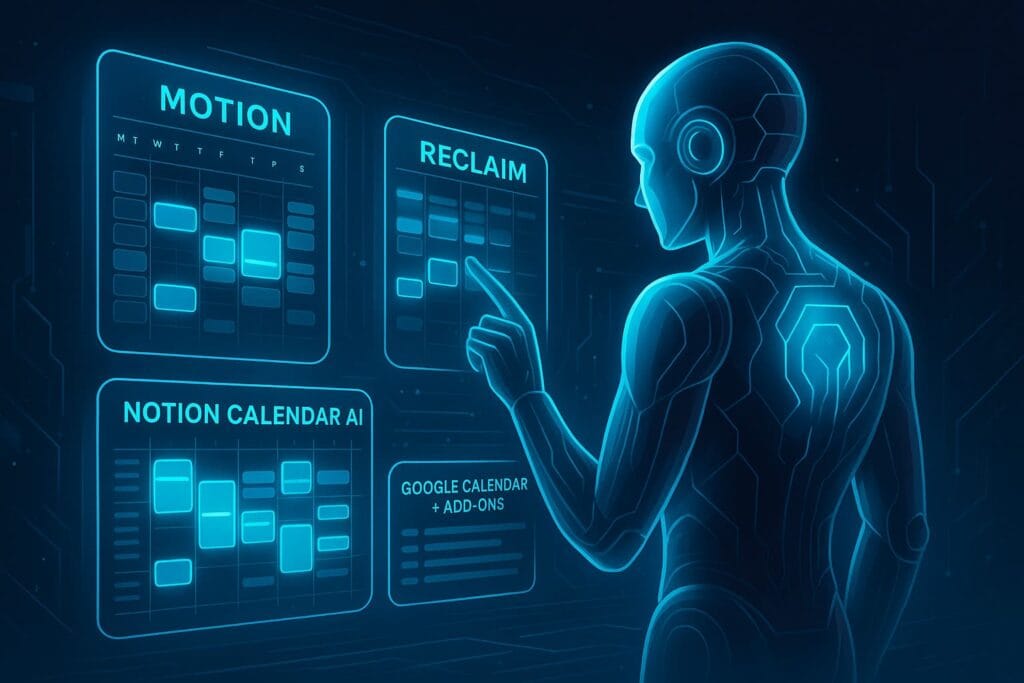
Before you commit to a system, you need a tool that supports automatic time blocking, flexible rescheduling, and dynamic prioritization.
Here are some of the most widely used options:
1. Motion
One of the most powerful tools for AI scheduling. Motion auto-plans your entire day and constantly adapts as tasks come in.
2. Reclaim
Reclaim focuses on balancing tasks, meetings, habits, and breaks. Perfect for people who want a predictable but flexible routine.
3. Notion Calendar AI
Notion’s AI-enhanced calendar is ideal for creators, freelancers, and knowledge workers who want a streamlined tool without extra complexity.
https://www.notion.com/help/notion-calendar-ai-connector
4. Google Calendar + Add-ons
Google Calendar doesn’t have native AI time blocking, but it has powerful integrations through add-ons and rules.
Official Google Calendar features:
https://support.google.com/calendar
You don’t have to use them all. Just pick one and let it do the work.
Step 3: Set Your “Focus Guardrails”
AI tools can’t read your mind, but they can follow your rules.
Before letting the system run on autopilot, set up guardrails to protect your most important time.
Your Guardrails May Include:
- No-meeting mornings so you can work with maximum clarity.
- Deep work blocks protected from rescheduling.
- Buffer time before or after meetings.
- Daily shutdown time where no tasks are scheduled after a certain hour.
- Focus windows where only high-priority tasks are allowed.
These rules tell the AI: “This time matters. Don’t touch it unless necessary.”
If you want deeper guidance on building AI-assisted workflows, ByteToLife also has a complementary guide:
AI Workflow Tools to Boost Efficiency
Step 4: Add All Tasks, Habits, and Routines
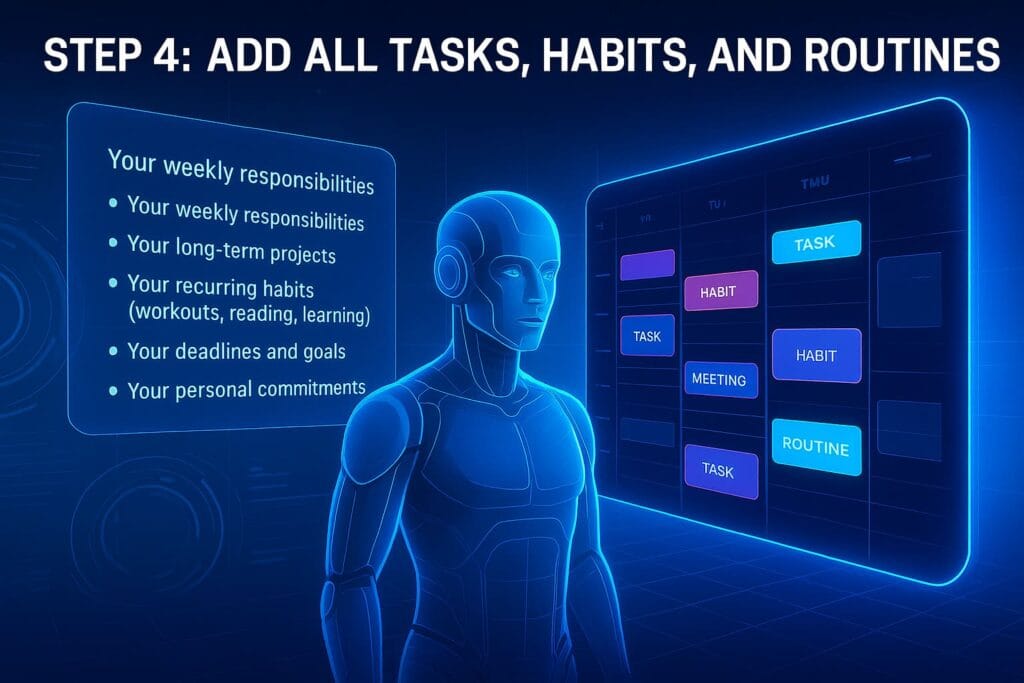
Most people only add tasks when they remember them, but AI calendars work best when they see your entire workload.
Start by inputting:
- Your weekly responsibilities
- Your long-term projects
- Your recurring habits (workouts, reading, learning)
- Your deadlines and goals
- Your personal commitments
This helps the AI build a balanced schedule instead of filling your day with reactive tasks.
Let AI Decide Task Placement
Here’s where most people fail: they manually drag everything into specific slots.
But AI time blocking works best when you allow the algorithm to place tasks based on:
- Priority
- Estimated duration
- Energy patterns
- Deadlines
- Task complexity
Think of it as hiring a smart assistant: your job is to define what needs to be done, and the AI’s job is to decide when to do it.
Step 5: Let the AI Auto-Schedule Your Week
Once tasks, guardrails, and categories are in place, it’s time to let the AI take over.
This part feels magical. The system generates a fully balanced week—often in seconds.
You’ll see:
- Deep work aligned with your ideal focus hours
- Meetings arranged with optimal spacing
- Breaks sprinkled throughout the day
- Shallow tasks pushed to low-energy periods
- Automatic rearranging when new tasks arrive
It eliminates the burden of “What should I do next?” because your calendar makes the decision for you.
AI Time Blocking Templates for Different Types of Workers
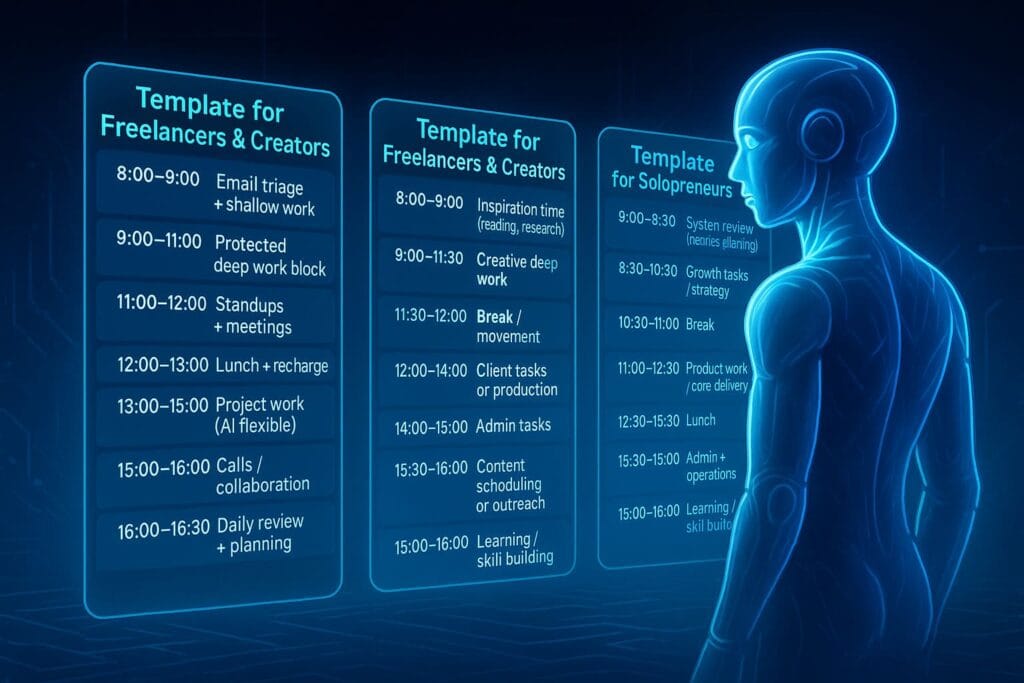
To make AI scheduling even simpler, here are ready-made templates you can apply to your own calendar.
These examples assume a typical 5-day workweek, but the principles apply to any schedule.
1. Template for Remote Knowledge Workers
- 8:00–9:00 — Email triage + shallow work
- 9:00–11:00 — Protected deep work block
- 11:00–12:00 — Standups + meetings
- 12:00–13:00 — Lunch + recharge
- 13:00–15:00 — Project work (AI flexible)
- 15:00–16:00 — Calls / collaboration
- 16:00–16:30 — Daily review + planning
2. Template for Freelancers & Creators
- 8:00–9:00 — Inspiration time (reading, research)
- 9:00–11:30 — Creative deep work
- 11:30–12:00 — Break / movement
- 12:00–14:00 — Client tasks or production
- 14:00–15:00 — Admin tasks
- 15:00–16:00 — Content scheduling or outreach
3. Template for Solopreneurs
- 8:00–8:30 — System review (metrics, planning)
- 8:30–10:30 — Growth tasks / strategy
- 10:30–11:00 — Break
- 11:00–12:30 — Product work / core delivery
- 12:30–13:30 — Lunch
- 13:30–15:00 — Admin + operations
- 15:00–16:00 — Learning / skill building
The Science Behind Energy-Based Scheduling
AI time blocking shines because it doesn’t just schedule tasks—it aligns them with your energy curve.
This idea is backed by cognitive science and productivity research.
Key principles include:
- The Peak–Trough–Rebound Cycle — Most people have a focus peak in the morning, a low-energy trough after lunch, and a rebound before evening.
- Cognitive Load Theory — Your brain works best with fewer interruptions and longer focus periods.
- Ultradian Rhythms — Human attention naturally resets every 90–120 minutes.
If you want to go deeper into these principles, Zapier has an excellent overview of productivity cycles here:
https://zapier.com/blog/sleep-and-productivity/
Smart Automation to Supercharge AI Time Blocking
Your calendar becomes even more powerful when connected to automation tools.
You can integrate AI scheduling with:
- Task managers like Todoist or ClickUp
- Note apps like Notion or Obsidian
- Automation platforms like Zapier or Make
- Communication tools like Slack or Gmail
For example, you could set up:
- A rule that automatically adds a task when a Slack message uses “urgent.”
- A Zapier workflow that schedules weekly deep work blocks.
- A trigger that adds “review notes” tasks after every meeting.
If you’re curious about how these systems connect, the AI productivity community on GitHub maintains helpful time-blocking concepts:
https://github.com/topics/time-blocking
Advanced AI Time Blocking Strategies
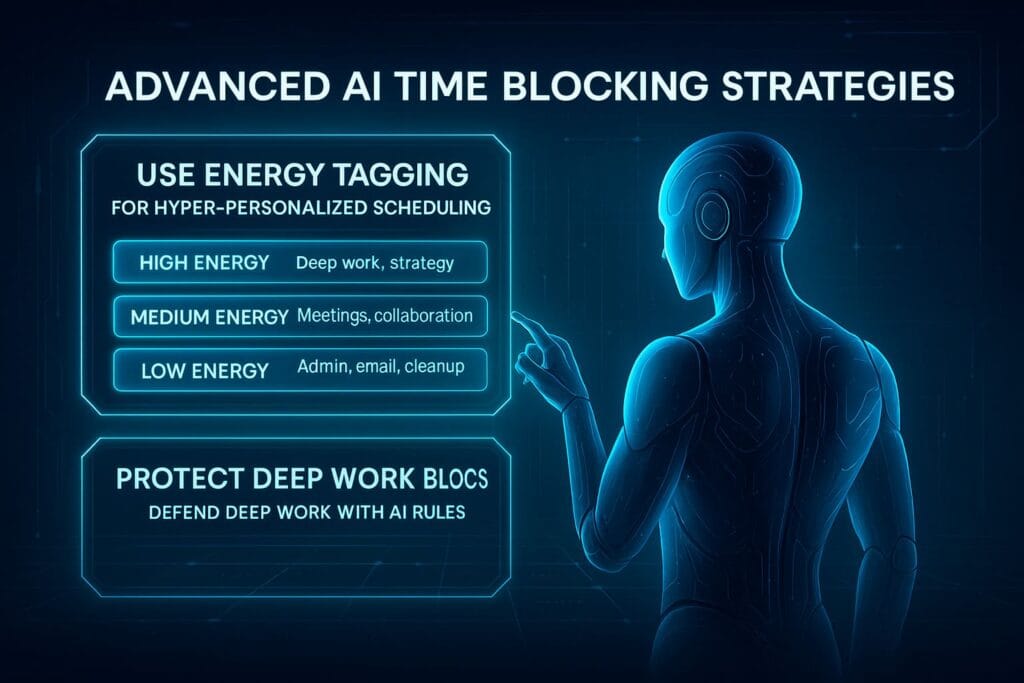
Once your AI calendar is running smoothly, you can start layering advanced strategies to push your productivity into a new zone. These ideas are not required, but they help your schedule feel more intelligent, effortless, and aligned with how you naturally work.
1. Use Energy Tagging for Hyper-Personalized Scheduling
Not all tasks require the same level of mental energy. One of the most powerful—but underrated—methods is to tag tasks based on the type of energy they need:
- High Energy — deep work, strategy, problem-solving
- Medium Energy — meetings, collaboration, planning
- Low Energy — admin, email, cleanup, documentation
When your AI calendar knows your energy patterns and task requirements, it becomes far more accurate at placing tasks in the right window.
For example:
- AI schedules analytical work during your cognitive peak.
- AI pushes shallow tasks to your afternoon dip.
- AI ensures creative tasks land during your rebound hours.
This strategy helps your brain work with your natural biology rather than against it.
2. Use AI to Protect Your Deep Work Blocks
Deep work is the core of your effectiveness, and AI can defend it better than any manual scheduling. Try adding rules such as:
- “Do not override this block unless a critical meeting is added.”
- “Minimum 2 deep work sessions per day.”
- “Deep work only between 9 AM and 11 AM.”
With these guardrails, the AI becomes the gatekeeper of your focus—preventing small tasks and meetings from invading your most productive hours.
If you want to explore deeper concepts like this, you can also read ByteToLife’s extended guide on AI-assisted work systems:
Agentic AI & Autonomous Digital Workers
3. Allow Your AI Calendar to Over-Schedule—Then Trim
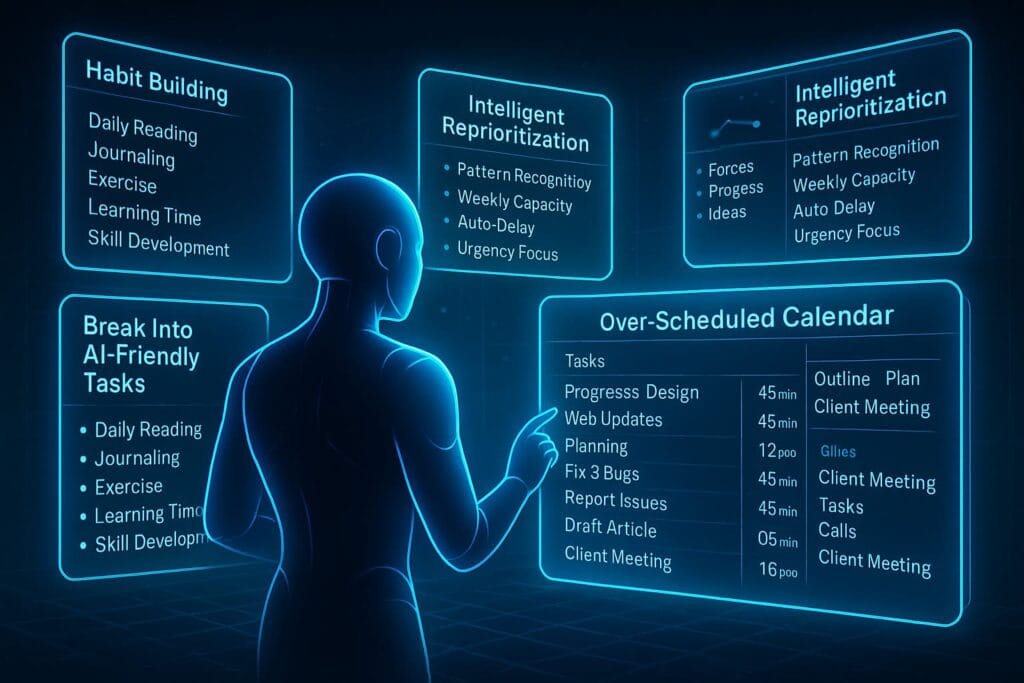
Many professionals ask AI calendars to be too “clean,” which ironically leads to less accurate results. The secret is to let your AI tool add more tasks than you can realistically finish. Why?
Because AI is excellent at:
- Seeing patterns you don’t notice
- Estimating realistic weekly capacity
- Reprioritizing automatically based on urgency
- Delaying or deferring work intelligently
Once everything is scheduled, remove only what truly doesn’t matter. This prevents you from underestimating the importance of big-picture tasks.
4. Break Big Projects Into AI-Friendly Tasks
Your calendar won’t optimize well if you input vague, multi-hour tasks like:
- “Build presentation”
- “Fix product issues”
- “Rewrite landing page”
Instead, split them into atomic components:
- “Outline presentation structure (45 min)”
- “Design 3 slides (45 min)”
- “Write landing page intro (30 min)”
Small tasks allow AI to:
- Fit them around your energy cycles
- Place them between meetings
- Reschedule without chaos
This method is also described as “modular productivity,” which GitHub productivity communities discuss often:
https://github.com/topics/productivity
5. Let Your AI Calendar Build Habits Automatically
AI schedules are not just about tasks—they’re about habits too. Most tools let you create repeating habits such as:
- Daily reading
- Journaling
- Exercise
- Learning time
- Skill development
The AI then finds the best place for these habits without you lifting a finger. This makes your weekly routine feel balanced, predictable, and mentally energizing.
6. Sync Your AI Calendar With Your Second Brain
If you use a second brain system—like Notion, Obsidian, or Roam—syncing it with your AI calendar unlocks a new level of automation.
This pairing gives you:
- A centralized knowledge hub
- A dynamic schedule based on your notes & ideas
- Instant task creation from information snippets
- Context-aware scheduling powered by AI
If you’re curious how this works in practice, explore ByteToLife’s in-depth guide:
AI-Powered Second Brain Guide
AI Time Blocking Pitfalls (and How to Avoid Them)
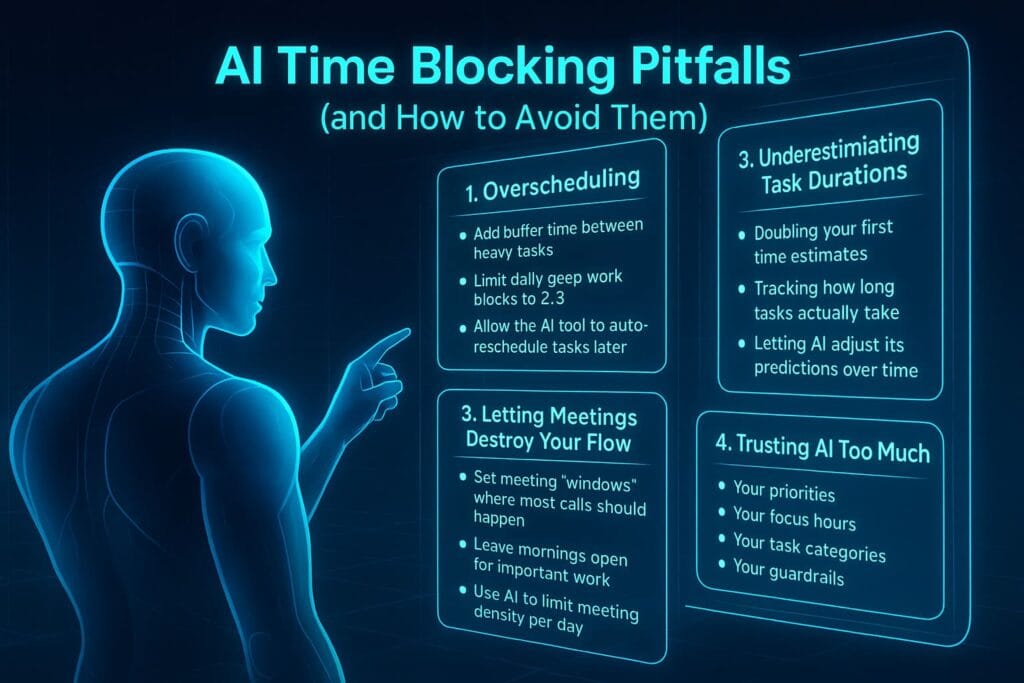
While AI scheduling is powerful, it can fail if misused. Here are the most common issues people face—and how to fix them.
1. Overscheduling
If your calendar looks too full, remember to:
- Add buffer time between heavy tasks
- Limit daily deep work blocks to 2–3
- Allow the AI tool to auto-reschedule tasks later
2. Underestimating Task Durations
This leads to constant reshuffling. Fix it by:
- Doubling your first time estimates
- Tracking how long tasks actually take
- Letting AI adjust its predictions over time
3. Letting Meetings Destroy Your Flow
Meetings naturally disrupt focus. To reduce the damage:
- Set meeting “windows” where most calls should happen
- Leave mornings open for important work
- Use AI to limit meeting density per day
4. Trusting AI Too Much
AI is powerful, but it’s not omniscient. Review your schedule weekly to fine-tune:
- Your priorities
- Your focus hours
- Your task categories
- Your guardrails
AI handles the micro decisions; humans still handle strategy.
Frequently Asked Questions (FAQ)
AI time blocking is an automated scheduling system where artificial intelligence organizes your tasks, meetings, and routines into optimal time slots based on your energy levels, priorities, and deadlines. Instead of manually planning your day, AI continuously adjusts your calendar in real time.
Traditional scheduling is static—you choose time slots manually. AI time blocking is dynamic: it automatically rearranges your tasks, shifts priorities, protects your focus hours, and adapts instantly when new events or changes occur.
You can use tools like Motion, Reclaim, or Notion Calendar AI. These tools analyze your workload and automatically generate optimized schedules. Even Google Calendar can be used with AI add-ons or automation tools to mimic AI scheduling behavior.
Yes. AI excels in unpredictable environments because it automatically reorganizes your tasks when meetings shift, emergencies arise, or priorities change. It reduces the cognitive burden of constantly replanning your day.
Absolutely. By protecting deep work, adding rest blocks, reducing decision fatigue, and balancing your weekly workload, AI time blocking creates a calmer and more sustainable work rhythm that lowers burnout risk.
The AI simply pushes unfinished tasks into the next optimal time slot without disrupting your existing schedule. This reduces stress and keeps your workflow consistent.
Yes. You can use AI to schedule workouts, journaling, creative time, hobbies, meals, or consistent rest windows. Many people rely on AI to create a balanced life ecosystem, not just a work calendar.
Yes. AI identifies your peak cognitive hours and automatically protects them from interruptions. It schedules deep work during high-focus periods and assigns low-energy tasks during your natural dips.
Not necessarily. Many AI calendar tools include built-in task management. However, if you prefer apps like Todoist, Notion, or ClickUp, they can be synced with your AI scheduler for seamless automation.
No. Once you set your preferences, guardrails, and priorities, the AI does most of the work for you. The learning curve is minimal compared to the massive productivity benefits you gain.
A weekly review is ideal. This allows you to adjust priorities, update projects, and refine your focus rules while still letting the AI handle your daily structure automatically.
No. AI handles micro decisions—task placement, timing, rescheduling—but you remain responsible for setting goals, prioritizing outcomes, and defining what truly matters. AI is your assistant, not your strategist.
Conclusion: Reclaiming Your Time, Your Energy, and Your Life
Somewhere between back-to-back meetings, overflowing inboxes, and late-night catch-up sessions, it’s easy to forget a simple truth: your time is not infinite. Every unfocused hour, every chaotic day, quietly shapes the life you are building. And if you’re not careful, your calendar ends up reflecting everyone else’s priorities—except your own.
AI time blocking is not just a smarter way to schedule tasks. It is a way to say, “My deep work matters. My energy matters. My life outside of work matters.” When you let an intelligent system protect your focus, you are not outsourcing control—you are reclaiming it. You are giving yourself permission to design days that feel calmer, clearer, and more intentional.
Imagine opening your calendar and seeing space—space for meaningful work, for growth, for rest, and for the parts of your life that never fit into a meeting invite. Imagine knowing that your most important work will be given the best of your energy, not whatever is left over at the end of the day.
You don’t have to transform everything overnight. Start with one deep work block, one protected focus window, one tiny habit scheduled by AI instead of willpower. Let your calendar become less of a battlefield and more of a quiet, steady rhythm that supports you instead of draining you.
The tools exist. The systems exist. The choice is yours. You can keep surviving your schedule—or you can start designing it. AI time blocking is simply the bridge between the life you are living now and the life you know you are capable of building.
And maybe the most powerful part? You’re not just optimizing your time. You’re choosing, consciously, to show up for the work and the life that truly matter to you.