


Your personal data is one of your most valuable assets. From banking apps and cloud storage
to social media and email, almost every part of your life is now connected to the internet.
The good news: you don’t need to be a cybersecurity expert to stay safe.
With a few smart habits and tools, you can dramatically reduce the chances of being hacked,
scammed, or tracked.
Strengthen Your Accounts and Devices

The first layer of digital security is simple: protect your accounts and devices so that
attackers can’t get in easily. Think of this like locking your doors and windows before
worrying about what’s happening on the street.
1. Use Strong, Unique Passwords
Reusing the same password across multiple accounts is one of the most common and dangerous
mistakes people make online. If one website is breached and your password leaks, attackers
will try the same email and password combination on other services like your email, bank,
or cloud storage. This is called a “credential stuffing” attack – and it works very well
against reused passwords.
A strong password should be:
- Long – aim for at least 12–16 characters.
- Complex – mix uppercase and lowercase letters, numbers, and symbols.
- Unique – never reused on another website or app.
Instead of trying to memorize dozens of strong passwords, use a password manager.
Tools like Bitwarden or 1Password
generate and store strong passwords for every account in an encrypted vault.
You only need to remember one master password, and the app will autofill the rest.
Here’s a simple habit you can start today:
- Pick your most important accounts (email, banking, cloud storage).
- Change each one to a long, unique password stored in a password manager.
- Gradually update other accounts as you log in over time.
If you want to understand how password-based attacks lead to bigger threats like ransomware,
you can read this deeper dive into
what ransomware is and how to protect yourself.
2. Enable Two-Factor Authentication (2FA)

Even the strongest password can be stolen through phishing, malware, or data breaches.
That’s where Two-Factor Authentication (2FA) comes in. 2FA adds a second
step to your login process – usually a one-time code or approval from another device – so
that a password alone isn’t enough to get in.
Common types of 2FA include:
- Authentication apps – apps like Google Authenticator, Authy, or
- Microsoft Authenticator generate one-time codes on your phone.
- Push notifications – you approve logins via a trusted app on your phone.
- Hardware security keys – physical keys (like YubiKey) that you plug in
- or tap to confirm your identity.
- SMS codes – codes sent by text message (better than nothing, but less secure than apps or hardware keys).
At a minimum, turn on 2FA for:
- Your main email account.
- Cloud storage services (Google Drive, iCloud, OneDrive, etc.).
- Banking and financial apps.
- Major social media accounts such as Google and Facebook.
Always prefer app-based 2FA or hardware keys over SMS when possible. If an attacker tries
to log in with your stolen password, they’ll still be blocked by that second step.
3. Be Cautious of Public Wi-Fi
Free Wi-Fi in cafés, airports, hotels, or malls is convenient – but often not secure.
On unsecured networks, attackers on the same network may be able to:
- Monitor unencrypted traffic.
- Attempt “man-in-the-middle” attacks to intercept data.
- Redirect you to fake login pages.
To protect yourself:
- Avoid accessing sensitive accounts (banking, email, cloud storage) on public Wi-Fi when possible.
- Use your mobile data or a personal hotspot for important tasks.
- If you must use public Wi-Fi, connect through a trusted Virtual Private Network (VPN).
A VPN encrypts your internet traffic and routes it through a secure server, making it much
harder for anyone on the same network to spy on you. Services such as
Proton VPN
offer both free and paid plans focused on privacy and security.
Picture this scenario: you’re working on your tablet in a coffee shop, connected to public Wi-Fi.
With a VPN enabled, your data travels inside an encrypted tunnel, rather than in plain text
across the network. That extra layer can be the difference between keeping your credentials
private and handing them to a nearby attacker.
Stay Alert Online and Protect Your Data Long Term

Once your accounts and connections are locked down, the next step is staying alert to
online threats and protecting the data you store and share. This is where good habits and
awareness really matter.
4. Keep Software and Devices Updated
Cybercriminals frequently exploit known vulnerabilities in operating systems, apps, and
browser plugins. When you delay updates, you’re effectively leaving the door open to attacks
that security patches are designed to fix.
Make it a habit to:
- Turn on automatic updates for your operating system (Windows, macOS, Android, iOS).
- Regularly update apps, especially browsers, messaging apps, cloud storage apps,
and anything related to security or finance. - Uninstall software you don’t use – fewer apps means fewer potential vulnerabilities.
On laptops and smartphones, update prompts can feel annoying, especially when you’re busy.
But every time you postpone an update, you’re choosing convenience over security.
A good compromise is to schedule updates during low-usage times – for example, at night
while your device is charging.
For a broader perspective on how outdated software can lead to major cyber incidents, you can
read related security insights on
ByteToLife.com’s cybersecurity hub.
5. Think Before You Click
Phishing remains one of the most successful ways attackers steal passwords, credit card details,
and other sensitive information. Instead of breaking into systems directly, they trick people
into clicking malicious links or opening fake login pages.
Common signs of phishing include:
- Unexpected emails or messages asking you to “verify” or “confirm” your account.
- Statements designed to create urgency, such as warnings that your account will be suspended or that you must respond immediately.
- Links that look similar to real websites but are slightly misspelled.
- Attachments you weren’t expecting, especially from unknown senders.
Before you click:
- Hover over links to check the real URL before opening them.
- Go directly to the official site by typing the address into your browser, instead of using email links.
- Be extra careful with login forms that appear after clicking a link in an email or message.
Organizations like the Cybersecurity and Infrastructure Security Agency (CISA) provide practical
tips on recognizing and reporting phishing attempts. You can explore their advice at
CISA’s “Recognize and Report Phishing” page .
Think of every unexpected email, direct message, or pop-up as a potential test.
Slowing down for just a few seconds to examine the sender and the link can save you from
losing access to your accounts or leaking sensitive data.
6. Limit What You Share and Review Privacy Settings
Not all data leaks come from hackers. Sometimes, we give away far more information than we
realize – through social media profiles, quiz apps, email newsletters, and random sign-ups
on websites we barely use.
Oversharing online can:
- Help attackers guess answers to your security questions.
- Provide clues to your passwords (e.g., pet names, birthdays, favorite teams).
- Expose your location, habits, and daily routines.
To reduce this risk:
- Review privacy settings on social media and limit who can see your posts and profile details.
- Be careful with third-party app permissions that request access to contacts, photos, or messages.
- Use different email addresses for critical accounts, everyday logins, and newsletters or promotions.
A simple strategy is to treat your main email and phone number like your “digital ID card”.
Only share them with services you truly trust and use regularly. For less important sign-ups,
consider using alias email addresses or disposable inboxes.
7. Back Up Your Data and Use Encryption Where Possible
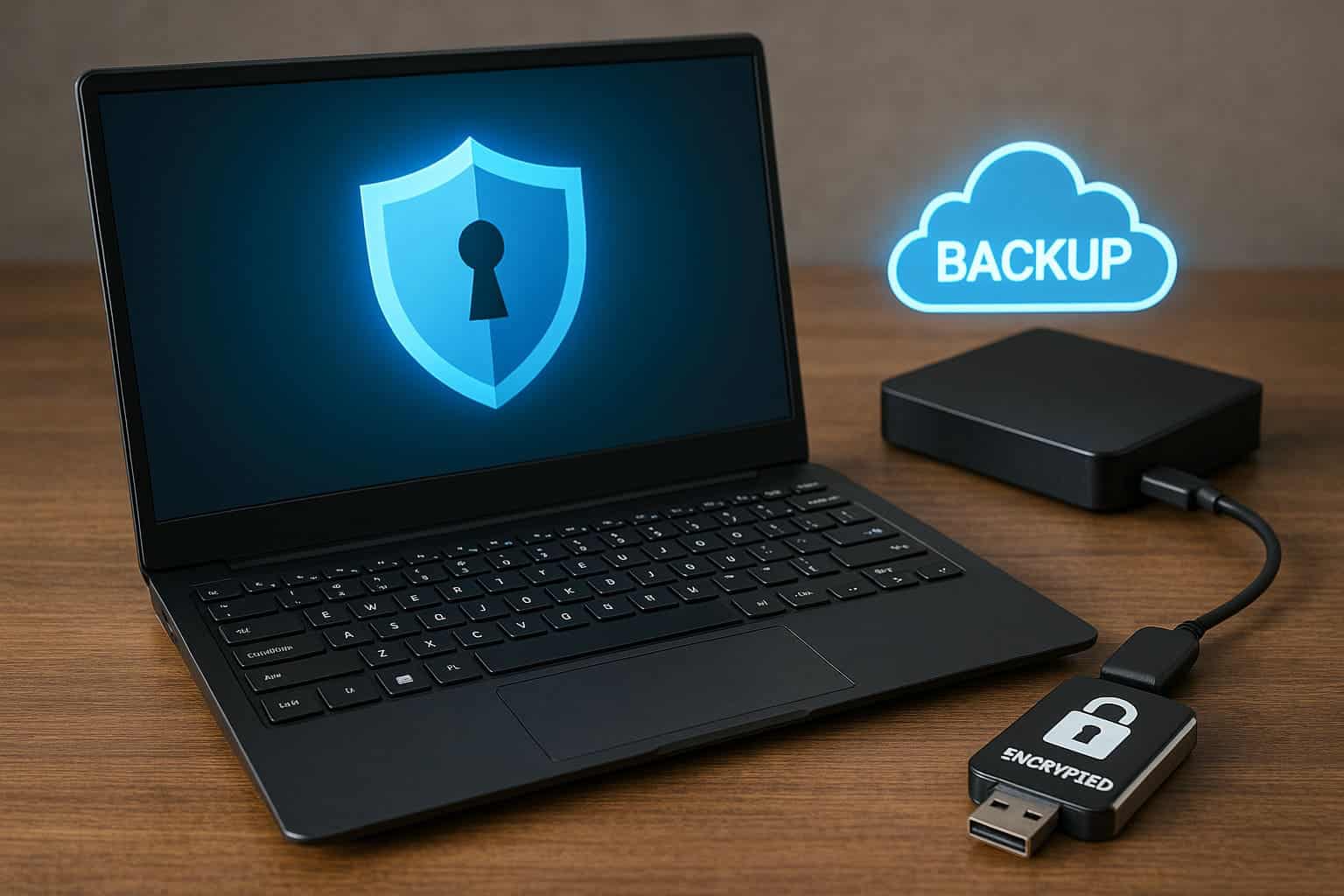
Even with strong security habits, things can still go wrong. Devices can be lost, stolen,
infected with malware, or locked by ransomware. Regular backups and encryption help you
recover quickly and keep your information safe, even if someone gets hold of your device.
A solid backup strategy usually includes:
- Cloud backups – using trusted services (like iCloud, Google Drive, or other secure providers) to automatically back up important files.
- Local backups – storing copies of key files on an external hard drive or encrypted USB drive.
- Regular schedule – backing up your most important data weekly or monthly, depending on how often it changes.
Encryption is another powerful protection layer:
- Enable full-disk encryption (such as BitLocker on Windows or FileVault on macOS) so that if someone steals your laptop, they can’t read the data without your password.
- Use messaging apps that offer end-to-end encryption for sensitive conversations.
- Encrypt especially sensitive documents (such as ID scans, tax records, legal files) inside password-protected archives or secure storage apps.
Backups and encryption might feel like “advanced” steps, but most modern devices make them easy. Once you set them up,
they run quietly in the background and give you peace of mind.
Bringing It All Together
Digital security is not about being perfect or paranoid. It’s about stacking simple protections so that
attackers move on to easier targets. When you:
- Use strong, unique passwords managed by a password manager.
- Turn on Two-Factor Authentication for key accounts.
- Stay cautious on public Wi-Fi and use a VPN when needed.
- Keep your devices and apps updated.
- Pause and think before clicking links or opening attachments.
- Limit what you share online and review your privacy settings.
- Back up and encrypt your important data.
…you build a powerful digital safety net around your life.
You don’t have to apply everything at once. Start with one or two tips – such as installing a password manager
and enabling 2FA on your email – then gradually add the others. Over time, these habits become second nature,
and your online world becomes much safer with very little daily effort.
Frequently Asked Questions (FAQ)
Reusing passwords allows attackers to break into many of your accounts once a single password is leaked. This technique is known as credential stuffing. Using strong, unique passwords for each account prevents attackers from easily gaining access to your digital life.
Yes. 2FA adds a powerful second layer of protection. Even if someone steals your password, they still cannot access your account without your second verification step. This greatly lowers the chance of anyone gaining unauthorized access.
Public Wi-Fi is risky because attackers on the same network can attempt to intercept your data. Avoid logging into important accounts on public Wi-Fi, and always use a VPN if you must connect to an open network.
Ideally, you should enable automatic updates so your system installs security patches as soon as they are available. If you prefer updating manually, check for updates weekly to ensure your devices remain protected from the latest threats.
Be suspicious of unexpected messages asking for personal information or urging immediate action. Look for spelling errors, strange sender addresses, or links that don’t match the official website. When in doubt, visit the website directly instead of clicking links in the message.
Yes. Cloud services can fail, accounts can be locked, and files can be accidentally deleted. Maintaining both cloud and local backups provides a safety net that ensures your data is recoverable even if one backup source becomes unavailable.
Sensitive documents like identity cards, financial records, personal photos, legal files, and confidential work documents should always be encrypted. This prevents anyone who gains physical or digital access to your device from viewing your private data.
Conclusion
At the end of the day, your digital life is more than just accounts, apps, and devices – it holds your memories, your ideas, your work, and the people you care about. Every small security step you take is an act of self-respect and self-protection. You are telling yourself, “My data, my identity, and my peace of mind matter.”
It’s okay if you haven’t been perfect with your online safety in the past. What matters is the choice you make from this moment forward. Start with one change today – update a weak password, turn on Two-Factor Authentication, install a password manager, or finally enable backups. Each action is a quiet but powerful declaration that you refuse to be an easy target.
Remember, you’re not alone in this. Millions of people are learning, adjusting, and slowly building safer digital habits, one click at a time. Be kind to yourself in the process. Celebrate every improvement, no matter how small. Your future self will be grateful that you decided to take control of your digital security, instead of leaving it to chance.
If you want to go deeper into cybersecurity topics, you can also explore related guides on
ByteToLife.com’s cybersecurity section, including articles on ransomware protection,


