

Ransomware has become one of the most alarming cybersecurity threats in the digital world. Whether you’re an individual managing personal files or a business storing sensitive data, ransomware attacks can strike unexpectedly and cause devastating damage. Understanding how ransomware works—and most importantly, how to protect yourself—is essential in an increasingly connected world.
This comprehensive guide explains what ransomware is, how cybercriminals use it to attack victims, and the best practices you can follow to stay protected. The goal is to help you develop long-term digital safety habits that remain effective regardless of trends or new attack methods.
Introduction
Imagine turning on your laptop one morning only to find a message on your screen: your files are locked, your documents are encrypted, and the attacker wants money before you can access them again. This situation isn’t fiction—it’s a real scenario that millions of people worldwide have faced. This type of cyberattack is known as ransomware.
Ransomware is one of the most disruptive forms of malware, capable of locking entire systems, halting business operations, and costing victims millions in losses. But despite its intimidating nature, understanding how it works makes it far easier to defend against.
What Is Ransomware?
Ransomware is a type of malicious software that encrypts a victim’s files or locks their device entirely, demanding payment for restoration. Attackers typically request digital payments—often in cryptocurrencies such as Bitcoin—due to their anonymous nature.
The name “ransomware” comes from its behavior: it takes your data hostage and demands a ransom to release it. What makes ransomware especially dangerous is that once your files are encrypted, there is usually no easy way to restore them without the proper decryption key.
Ransomware has evolved over the years, becoming more sophisticated, more automated, and easier for cybercriminals to deploy. This evolution makes it a persistent long-term threat for individuals and organizations alike.
How Does Ransomware Work?
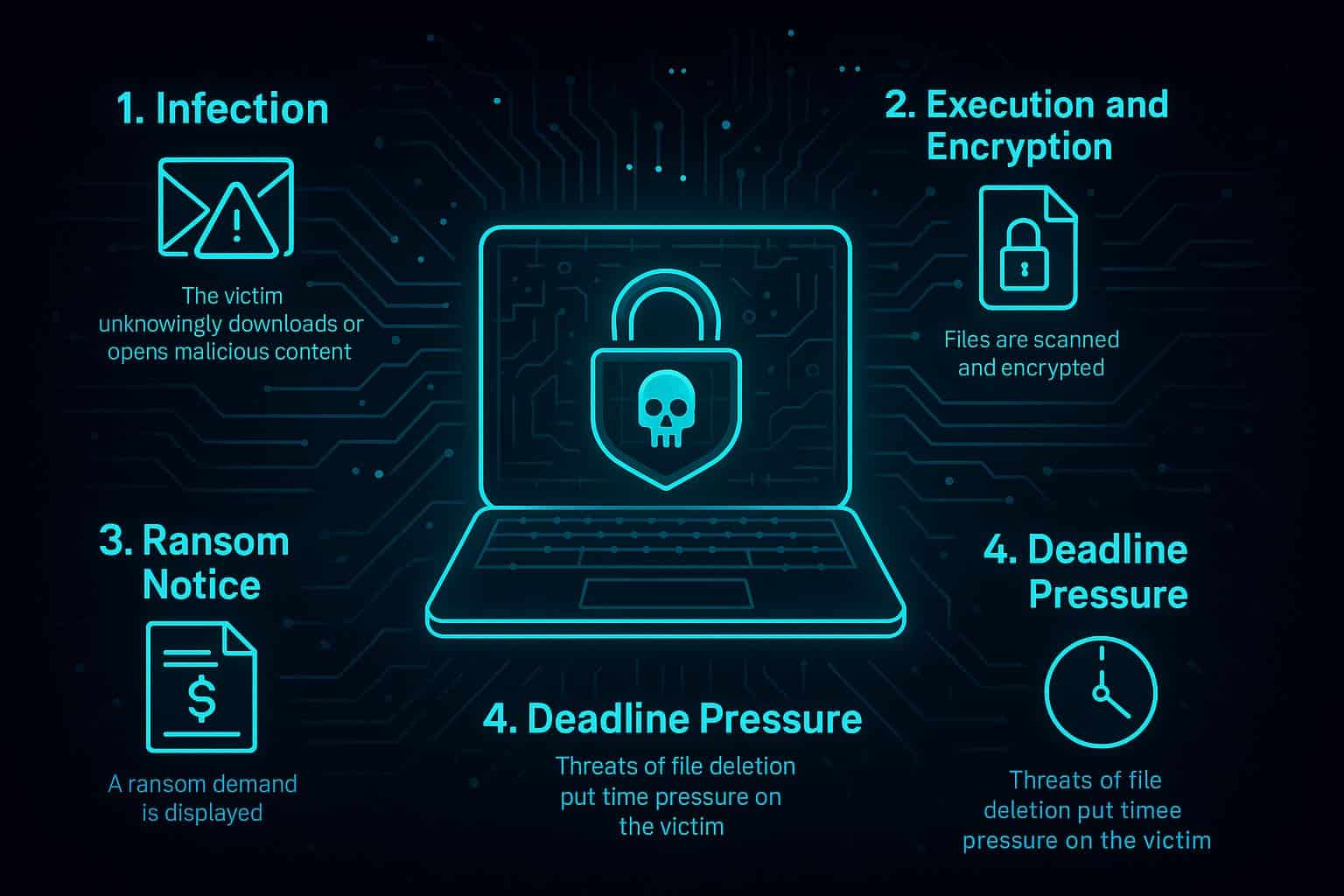
Though ransomware families vary, the general process remains similar. Here’s a simplified step-by-step view of how most ransomware attacks unfold:
1. Infection
The victim unknowingly downloads or opens malicious content. This may happen through:
- Phishing emails containing harmful attachments
- Fake software downloads
- Compromised websites
- Drive-by downloads
- Infected USB drives
2. Execution and Encryption
Once the malware activates, it scans the system for important files—documents, images, databases—and encrypts them using strong cryptographic algorithms. Victims typically cannot reverse this encryption on their own.
3. Ransom Notice
The attacker displays a ransom note explaining:
- What happened to the victim’s files
- The ransom amount
- How to pay (commonly Bitcoin or Monero)
- A deadline before files are deleted or the ransom increases
4. Deadline Pressure
To force compliance, attackers often threaten:
- Permanent deletion of files
- Public leaks of sensitive data
- Ransom escalation after a certain time
Attackers design this process to create urgency, panic, and compliance.
Common Types of Ransomware
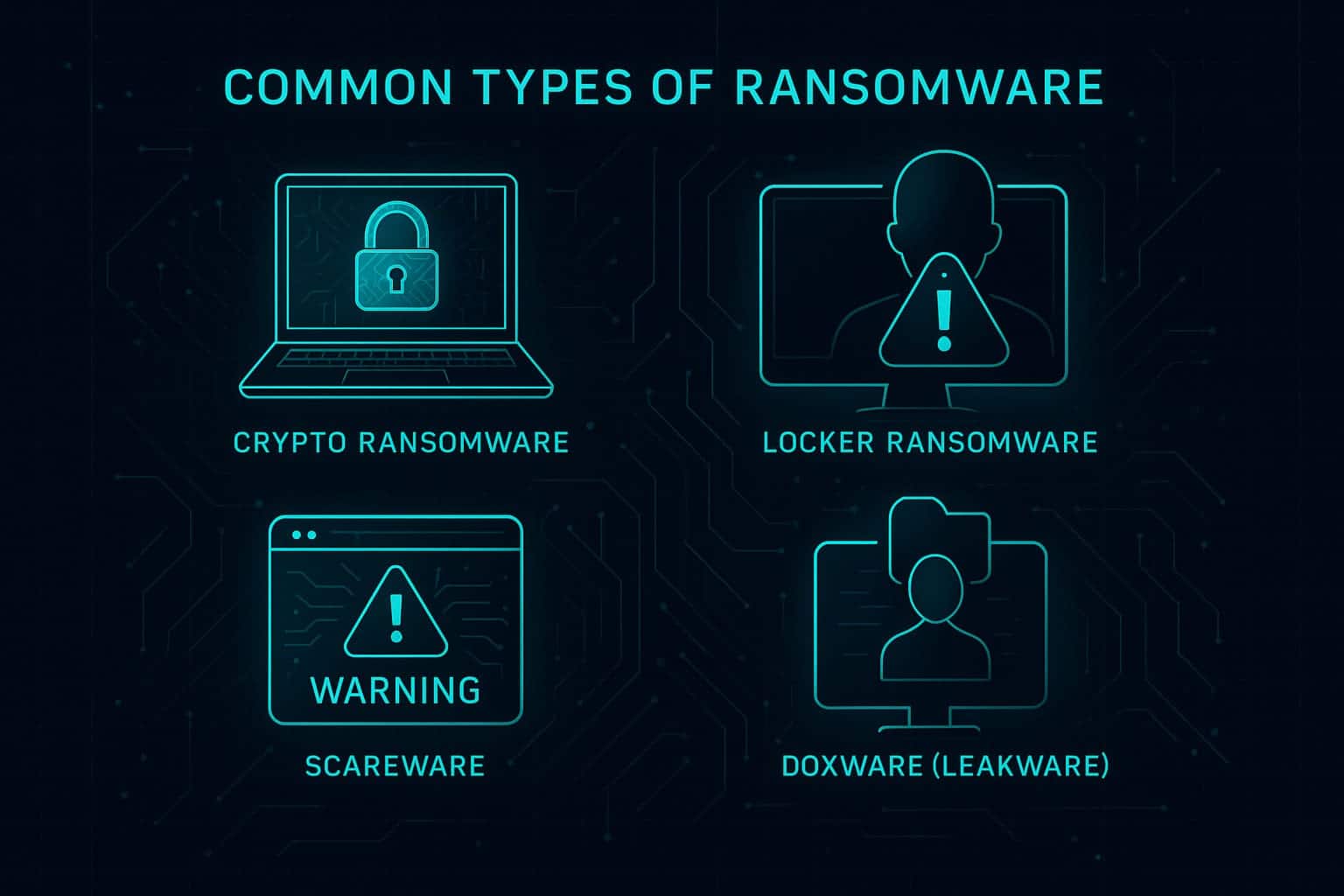
Ransomware comes in several forms, each with its own behavior and level of danger:
1. Crypto Ransomware
This is the most common and dangerous type. It encrypts important files and demands payment for the decryption key. Famous examples include WannaCry and CryptoLocker.
2. Locker Ransomware
Instead of encrypting files, locker ransomware locks users out of their devices or operating systems entirely. You can’t access your desktop, apps, or settings.
3. Scareware
Scareware pretends to be antivirus or security software. It displays fake warnings and pressures you to pay for a “fix” that doesn’t exist.
4. Doxware (Leakware)
Also known as extortionware, this form threatens to leak your personal data online if you don’t pay the ransom.
Who Is Most at Risk?
The truth is that anyone with an internet-connected device can become a target. Cybercriminals don’t discriminate. But certain groups face greater risk due to the value or vulnerability of their systems:
- Individuals using outdated software or weak passwords
- Small businesses with limited cybersecurity budgets
- Large enterprises storing high-value data
- Healthcare providers with sensitive medical records
- Schools and universities with large, often unsecured networks
- Government systems that attackers see as high-value targets
Attackers often choose victims based on opportunity rather than size. If your system has a weakness, it can be exploited.
Real-World Examples of Ransomware Attacks
Understanding past attacks helps highlight how destructive ransomware can be.
WannaCry
One of the most infamous attacks, WannaCry spread across thousands of networks worldwide, impacting hospitals, banks, and businesses. It took advantage of security weaknesses found in older, unpatched Windows installations.
Read Microsoft’s guidance on WannaCry
Colonial Pipeline
This attack caused a major fuel supply disruption across the eastern United States. The organization shut down systems after attackers demanded a multimillion-dollar ransom.
Kaseya Supply Chain Attack
Cybercriminals used a vulnerability in Kaseya’s software to infect hundreds of organizations at once, demonstrating how powerful supply chain attacks can be.
How to Protect Yourself from Ransomware
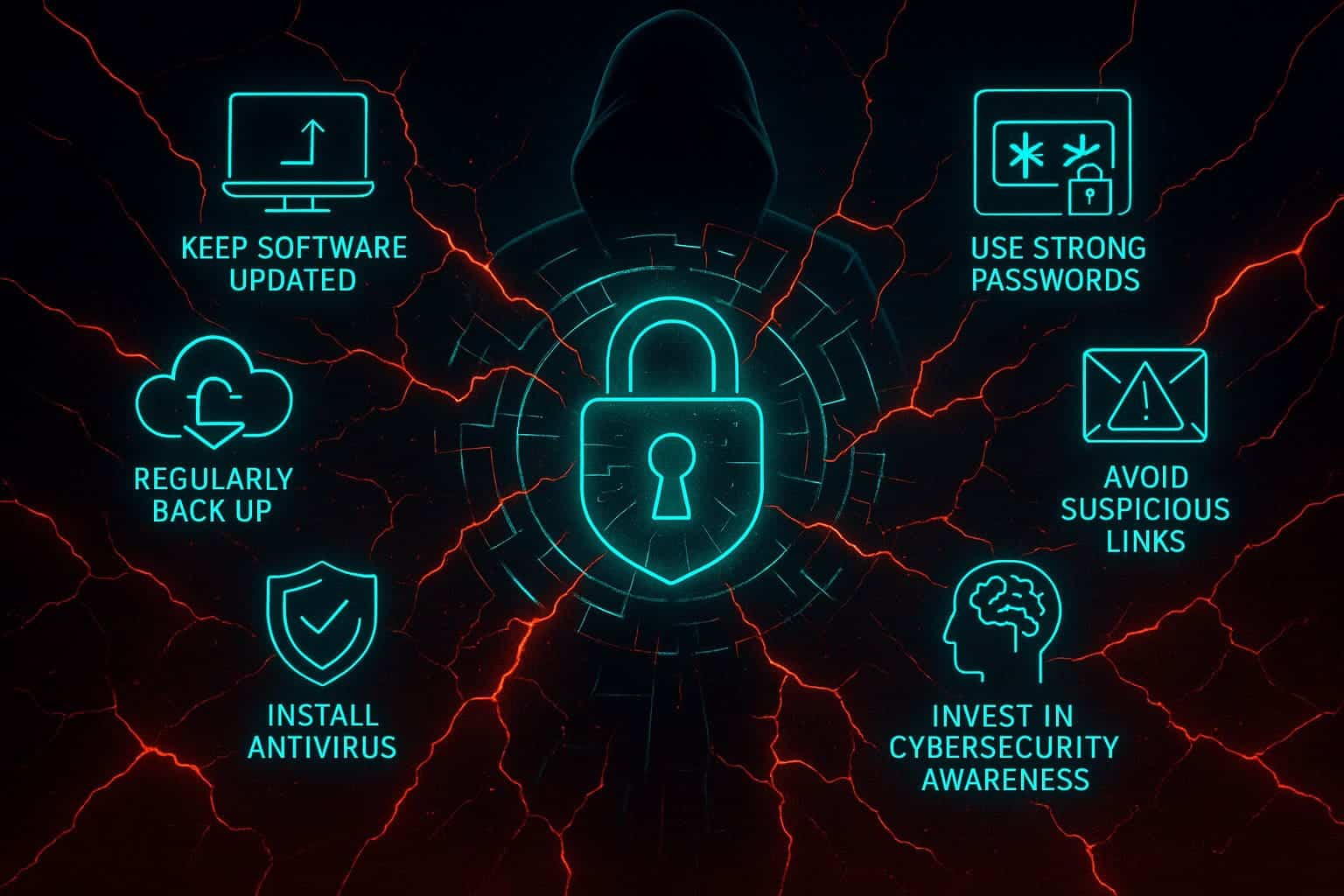
While ransomware is dangerous, the good news is that you can significantly reduce your risk by following strong cybersecurity practices. These steps apply to individuals, businesses, and anyone who wants better protection.
1. Keep Software and Devices Updated
Cybercriminals rely on outdated systems because they contain unpatched vulnerabilities. Always update:
- Operating systems
- Web browsers
- Apps and plugins
- Antivirus software
2. Regularly Back Up Your Data
Backups are your best defense against ransomware. Even if your files get encrypted, you can restore them without paying anything.
Recommended backup strategy:
- Use cloud storage services such as Google Drive or Dropbox
- Keep offline backups on an encrypted external hard drive
- Automate backups weekly or daily
3. Use Strong Passwords and Two-Factor Authentication (2FA)
Weak passwords are one of the easiest attack vectors. Use a password manager to create long, unique passwords, and activate 2FA on all important accounts.
Learn more in our internal guide: Passkeys: The Passwordless Login System
4. Avoid Suspicious Links and Attachments
Phishing remains the number one method attackers use to distribute ransomware. Avoid clicking links or downloading files from unknown senders.
For deeper understanding, read: How to Detect AI-Generated Phishing Sites
5. Install a Reputable Antivirus Solution
Trustworthy security tools help detect malicious activity before it can cause harm. Popular options include:
- Bitdefender
- Malwarebytes
- Norton
6. Invest in Cybersecurity Awareness
Cybersecurity training is crucial for individuals and employees. The more you understand, the less likely you are to fall for a cyberattack.
What to Do If You’re Infected
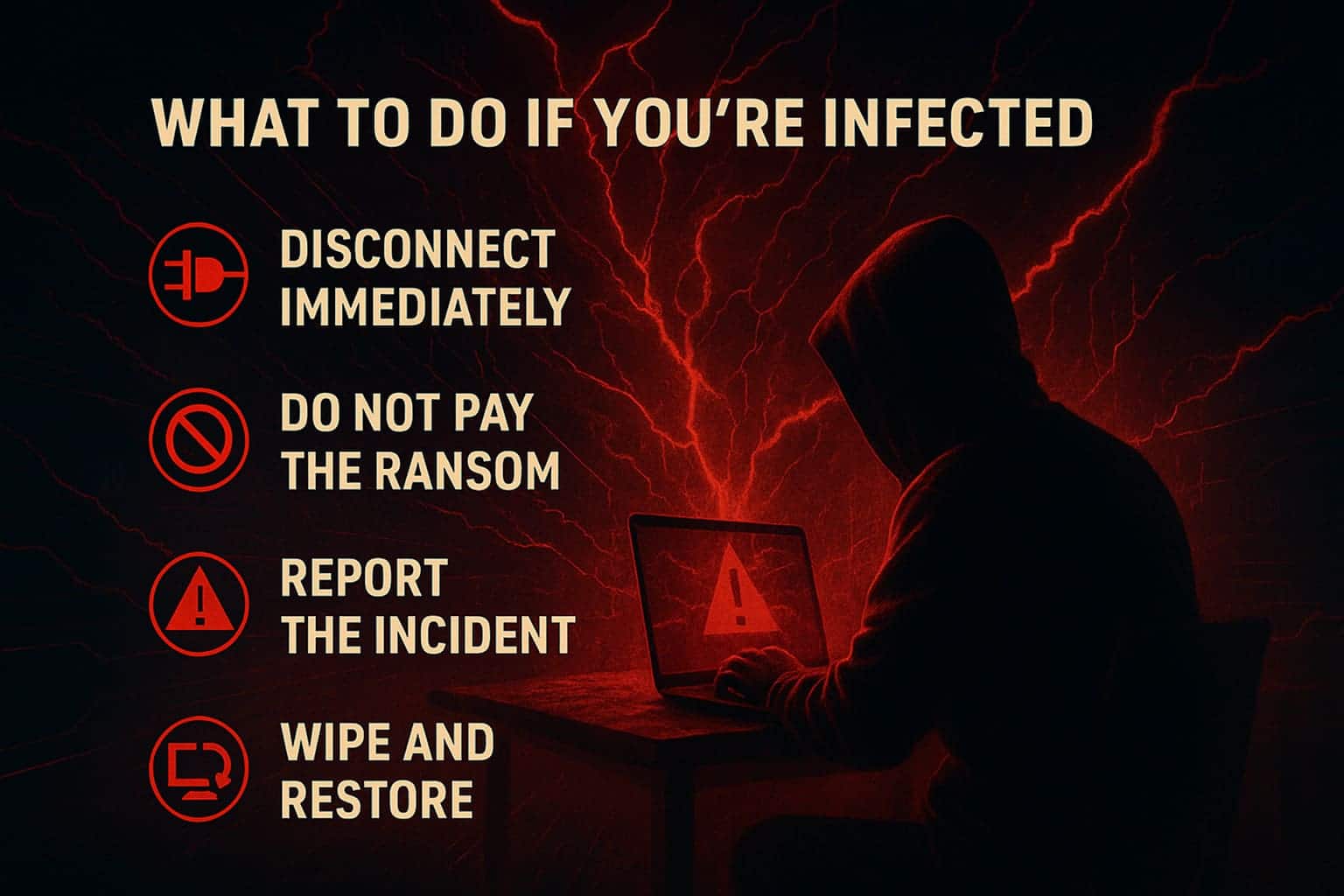
If ransomware hits your system, quick action can help prevent further damage. Follow these steps:
1. Disconnect Immediately
Unplug your computer from the internet and disconnect external drives. This helps stop the malware from spreading or communicating with the attacker’s server.
2. Do Not Pay the Ransom
Paying does not guarantee your files will be restored. It also encourages attackers to continue their operations.
3. Report the Incident
Contact cybersecurity authorities for assistance:
4. Try Free Decryption Tools
Some ransomware strains have known weaknesses. Tools like No More Ransom may help recover your files without paying.
5. Wipe and Restore
If decryption isn’t possible, you may need to wipe your system and restore clean backups. This step ensures no hidden malware remains.
Frequently Asked Questions (FAQ)
Ransomware is a type of malware that locks or encrypts your files and demands payment to restore access. Cybercriminals use it to extort money from individuals and businesses.
Ransomware typically spreads through phishing emails, malicious downloads, fake software updates, compromised websites, or infected USB drives. One careless click can trigger the attack.
No. Paying the ransom does not guarantee file recovery and often encourages cybercriminals to launch more attacks. It’s better to report the incident and attempt recovery using backups or decryption tools.
You can stay protected by regularly updating software, using strong passwords and 2FA, avoiding suspicious links, keeping offline/cloud backups, and installing reputable antivirus tools.
Sometimes, yes. If the ransomware strain has a known vulnerability, free tools like No More Ransom may decrypt your data. Otherwise, restoring from a clean backup is the safest method.
Anyone can be a target, but attackers frequently target individuals using outdated devices, small businesses with limited security, healthcare providers, schools, and large enterprises with valuable data.
Immediately disconnect your device from the internet to stop the spread, avoid paying the ransom, report the incident to cybersecurity authorities, and attempt recovery through backups or decryption tools.
Conclusion: Your Best Defense Is Preparedness
Ransomware is more than a technical threat—it’s an emotional one. When your files are locked, your work becomes inaccessible, or your personal memories disappear, the impact feels personal and overwhelming. That’s exactly what attackers rely on: fear, urgency, and confusion.
The good news is that you can stay ahead of these threats with simple, consistent habits. Secure backups, strong passwords, updated software, and careful browsing decisions create a powerful shield that stops ransomware before it ever reaches your device. These small actions may feel insignificant day-to-day, but together they form the foundation of long-term digital safety.
Your data, your identity, and your privacy matter. Protecting them doesn’t require advanced technical skills—just awareness and preparation. By staying informed and practicing good cybersecurity hygiene, you reduce your risk and take back control in a digital world that never stops evolving.
Stay proactive. Stay aware. And remember: strong protection begins long before an attack ever happens.
For more cybersecurity guides, explore: