

QR codes are everywhere. You see them on restaurant tables, delivery packages, parking meters, social media, office walls, and even government documents.
They promise something simple: point your camera, tap once, and you are instantly connected to a website, an app, or a payment page.
This frictionless experience is exactly why QR codes became so popular—and also why they turned into a powerful weapon for cybercriminals.
In the last few years, a new type of phishing attack has exploded in the wild: quishing, or QR code phishing.
Instead of sending you a suspicious link in an email, attackers hide it inside a QR code that looks perfectly harmless from the outside.
This long-form guide is written for readers of ByteToLife.com who want an evergreen, deep understanding of quishing.
We will explore what it is, how attacks are carried out, why people keep falling for them, and what both individuals and organizations can do to defend against this modern threat.
What Exactly Is Quishing?
Quishing refers to a phishing method that hides a harmful link inside a QR code.
When a victim scans the QR code with a smartphone or tablet, they are silently redirected to a harmful destination, such as:
- A fake login page designed to steal usernames and passwords
- A phishing site pretending to be a bank, cloud service, or popular platform
- A payment page that sends money directly to the attacker
- A malware download page that installs spyware, ransomware, or trojans
The key difference from classic phishing is that the victim doesn’t see the URL before acting.
They are not clicking on suspicious blue text in an email. Instead, they are scanning a monotone black-and-white square that looks the same whether it is safe or dangerous.
How Quishing Differs From Traditional Phishing
Traditional phishing relies heavily on email and obvious clickable links.
Security tools can scan those links, sandboxes can test them, and many users have learned to hover over a URL before clicking.
With quishing, the malicious link is:
- Encoded inside an image (the QR code)
- Often delivered in the physical world (stickers, posters, printed invoices)
- Triggered on a mobile device, outside many enterprise security controls
This combination makes quishing harder to detect, easier to deploy at scale, and surprisingly effective against even security-aware users.
Why QR Codes Became a Perfect Weapon for Attackers
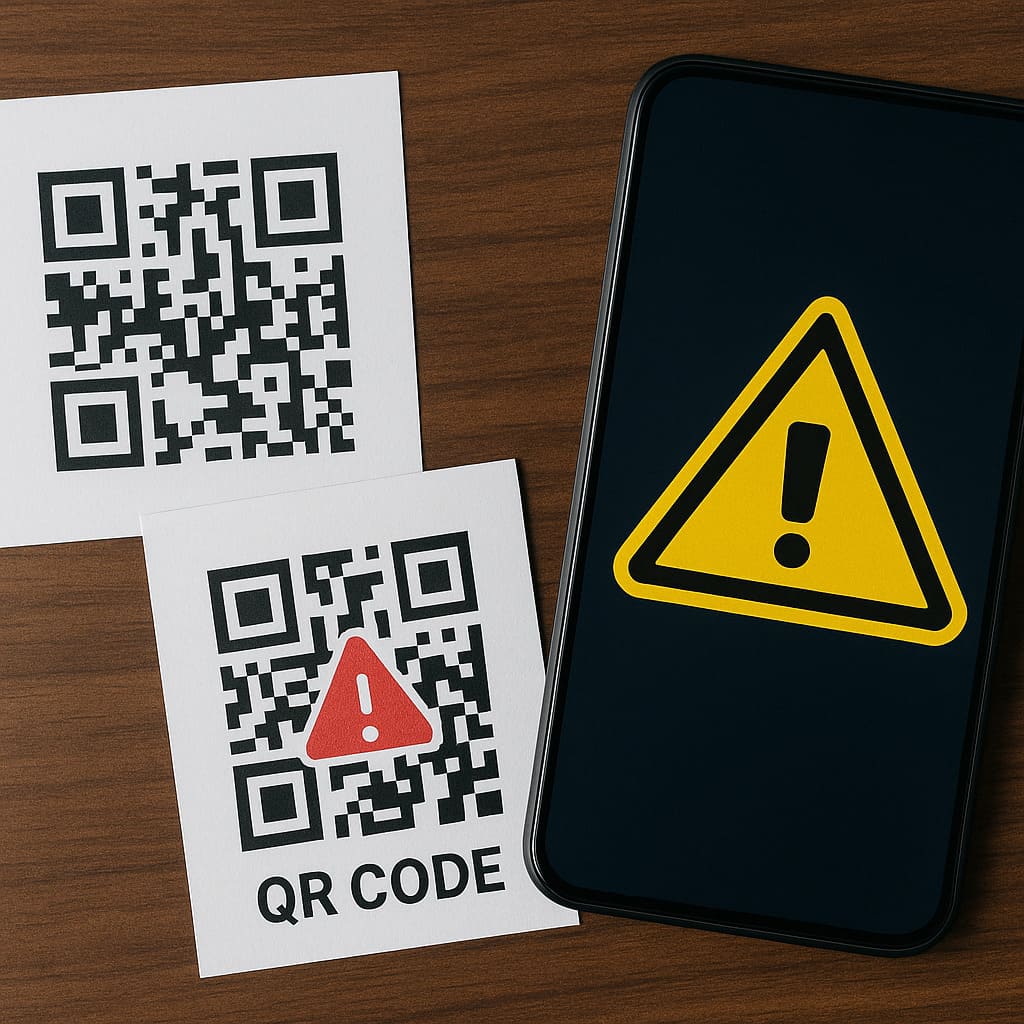
QR codes were never designed with security as their primary goal.
They were created for fast scanning in manufacturing and logistics.
When the pandemic accelerated “contactless everything,” QR codes suddenly became a universal user interface for the offline–online bridge.
Ubiquity and Normalization
You no longer think twice before scanning a code on a:
- Coffee shop table for the menu
- Parking meter for payment
- Poster advertising an event or discount
- Billboard linking to a product page
- Hotel room card directing you to a review page
This normalization is gold for attackers.
A malicious QR code doesn’t stand out—it looks just like every other code around it.
Invisible URLs
Humans can read text links.
Even if we are not security experts, we may notice something off in a domain name like pay-pal-login.com or g00gle-support.net.
With QR codes, you don’t see anything.
You simply trust the environment where the code is placed and assume it must be legitimate.
Mobile-Centric Attack Surface
Quishing primarily targets smartphones. That matters because mobile devices:
- Display shortened or truncated URLs in the browser address bar
- Are usually logged into multiple apps already (banking, email, cloud storage)
- May not run the same level of endpoint protection as company laptops
- Are used in busy, distracted contexts—walking, commuting, eating out
When you scan a QR code while standing in front of a parking meter or ordering lunch, you are not in “security mode.”
You just want to get things done quickly, and attackers know this.
Email Filters and Security Gaps
Many quishing campaigns still use email as the first touchpoint, but with a twist.
Instead of including a clickable link inside the email body, the attacker sends a PDF or an image attachment with a QR code.
Traditional email filters are very good at analyzing plain URLs in text,
but extracting and analyzing QR code content from images or PDFs requires extra work that many systems don’t do by default.
The Anatomy of a Quishing Attack
Let’s walk through what typically happens behind the scenes when quishing is used to steal data or money.
Step 1: Building the Malicious Flow
The attacker starts by designing a funnel. This can include:
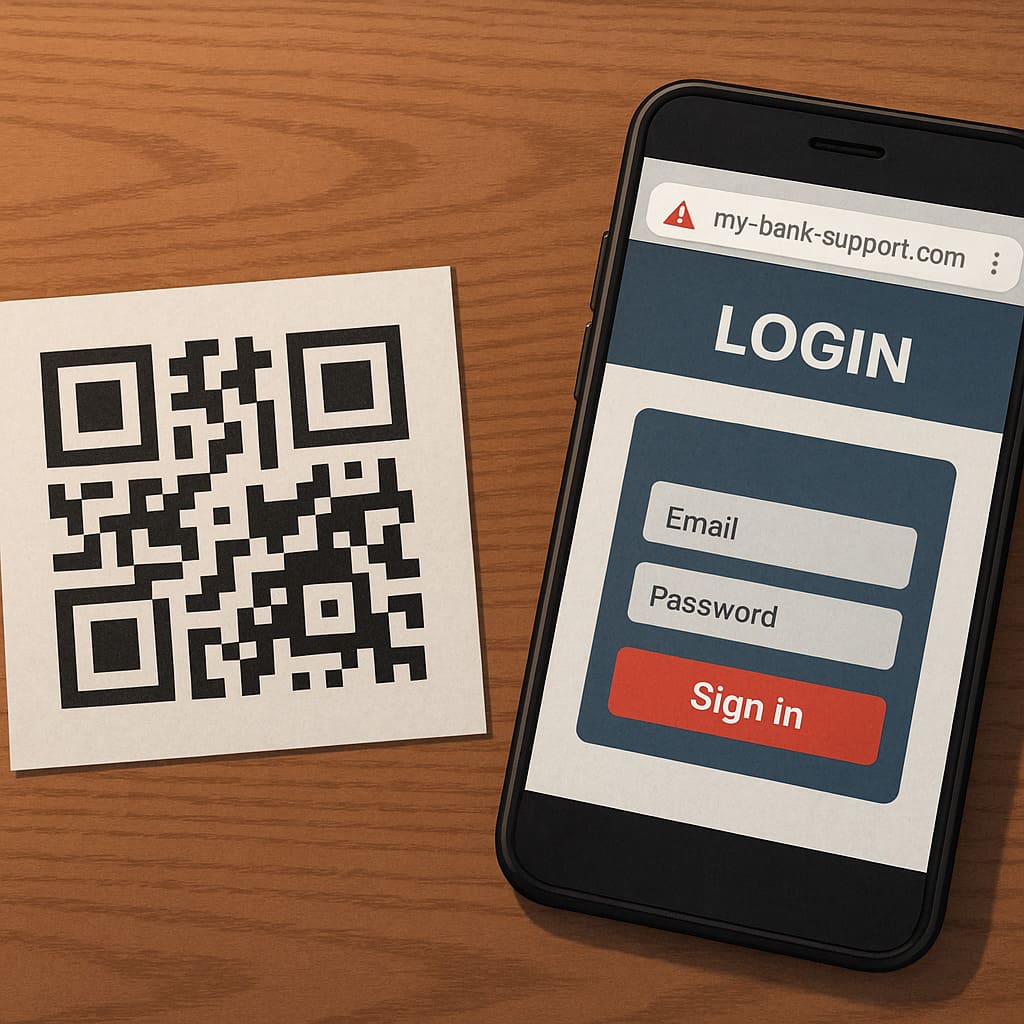
- A domain that looks like a real brand (for example,
my-bank-support.com) - A cloned login page of a cloud service like Microsoft 365 or Google Workspace
- A fake “invoice payment” page for credit card or instant transfer
- A landing page that automatically downloads a malicious file to the device
Once the destination is ready, the attacker uses any free QR code generator to create a code that points to this URL.
Nothing about the QR’s appearance reveals its intent. It is just a pattern.
Step 2: Distributing the QR Code
There are two main ways attackers distribute these codes:
- Physical deployment – printing QR codes on stickers or posters and placing them in strategic locations.
- Digital delivery – embedding QR codes inside emails, social media posts, or messaging app images.
Physical examples include:
- Stickers placed over real parking meter QR codes
- Fake restaurant menu codes placed on top of the original
- Posters in university campuses advertising “free Wi-Fi” or “student discounts”
- Flyers slipped under apartment doors with “scan to confirm delivery” messages
Digital examples include:
- Emails claiming “your account has been locked, scan this code to verify”
- Fake delivery notifications referencing popular couriers
- Internal-looking corporate emails asking employees to “scan to reset your VPN credentials”
Step 3: Exploiting Trust and Context
The victim now sees the QR code in a context that appears reasonable.
A parking meter obviously needs a way to accept payment.
A restaurant needs a menu.
An office needs a way to check in visitors.
Because the human brain uses context and visual cues to decide what to trust,
the QR often passes the mental filter with zero suspicion.
The victim scans it almost automatically.
Step 4: Redirect, Capture, and Monetize
Once the code is scanned:
- The victim’s device opens a browser or an app.
- The malicious site loads in seconds.
- The page asks the victim to log in, pay, or allow some permission.
If the victim enters credentials, they are sent to the attacker’s server.
If they pay, the money is gone.
If they install an app, the device may be infected with malware that quietly exfiltrates data or intercepts future logins.
Real-World Examples of Quishing Scams
While many organizations don’t publicly disclose incidents involving QR codes,
a growing number of law enforcement alerts and media reports show how varied these attacks can be.
Parking Lot Payment Fraud
One of the more common cases involves malicious QR codes placed on parking machines or signs.
Victims scan the code to “pay for parking,” but the payment page is controlled by criminals.
In some incidents, hundreds of drivers unknowingly sent money to attackers over several days before officials noticed the fake stickers.
Restaurant and Bar Menus
During the pandemic, many restaurants replaced physical menus with QR codes on the table.
In poorly monitored venues, attackers simply print their own QR stickers and place them over the originals.
Instead of opening the menu, customers may be redirected to a phishing page or an aggressive ad network that collects data and installs potentially unwanted apps.
University Campus Schemes
Students are a frequent target because universities rely heavily on posters, events, and printed materials.
A fake poster promising “exclusive internship opportunities” or “student grant applications” can trick students into scanning a code that leads to a credential-stealing login form resembling the university portal.
Corporate Credential Theft
In corporate environments, quishing is especially dangerous.
An attacker might email staff with a professional-looking message about a “new security policy” or “mandatory VPN update,”
containing a QR code to “securely complete the process from your phone.”
When scanned, it leads to a fake single sign-on (SSO) page, harvesting credentials that can be used later from any device.
Why People Keep Falling for Quishing
If quishing sounds obvious on paper, why does it work so consistently in practice?
Because it taps into deep psychological and behavioral patterns.
Trust in the Physical World
We are used to questioning things inside our inbox, but much less so in the physical world.
If a code is on a printed label stuck to a machine or poster, it feels “real.”
Our brains unconsciously transfer trust from the environment (a parking garage, a restaurant, a campus) to the code itself.
Convenience Over Caution
Most quishing moments happen during micro-tasks: paying for parking, checking a menu, confirming a delivery, logging in quickly to fix an issue.
In these tiny windows of time, our priority is speed, not scrutiny.
We just want the friction to disappear, so we tap “Open” without reading the fine print.
Fear, Urgency, and Social Engineering
Like all phishing, quishing exploits emotions.
Attackers frequently use wording that triggers fear or opportunity:
- “Your account will be disabled in 30 minutes. Scan to verify now.”
- “Important security alert from your bank – scan the code to review the transaction.”
- “Limited-time scholarship for students. Scan and apply before midnight.”
These prompts shut down rational thinking just long enough for the victim to comply.
Mobile UX Limitations
Smartphone interfaces are optimized for simplicity, not for forensic inspection.
URL bars are small, sometimes hidden, and domains may be truncated.
Even a cautious user may not notice that secure-mybank-login.com is different from the legitimate bank domain.
How to Spot a Suspicious QR Code
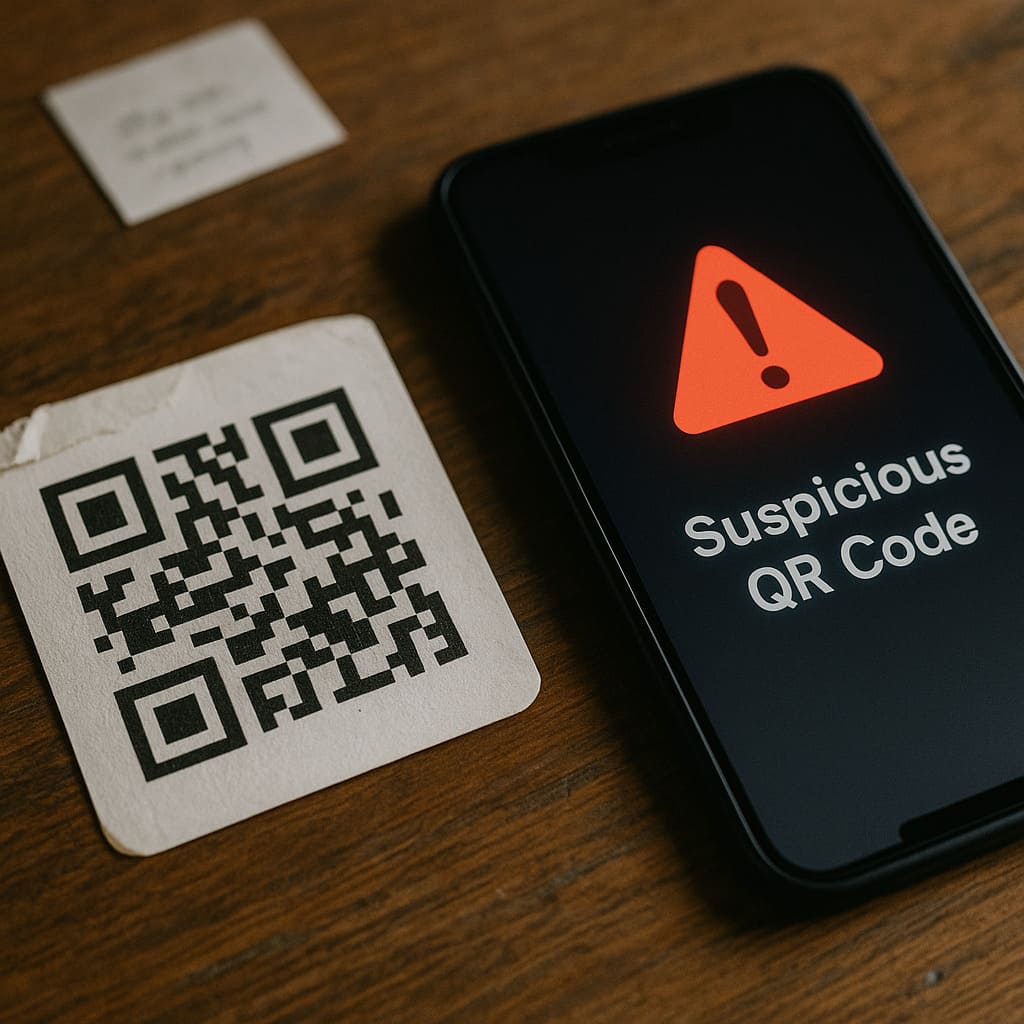
You do not need to become paranoid about every QR code you see,
but you should definitely learn the main warning signs that separate safe from suspicious.
Physical Red Flags
- The QR code looks like it was stuck on top of another sticker.
- The print quality is noticeably worse than the surrounding design.
- The code appears in a strange place (for example, handwritten note on a public bench).
- There is no clear logo, branding, or explanation of who owns the link.
Digital Red Flags
After you scan a QR code, but before you tap “Open in browser,” pay attention to:
- The domain name – does it match the company you expect?
- The protocol – does it use
https://with a secure connection? - Unexpected redirects – does the URL change two or three times before loading?
- Shortened links – not all shorteners are bad, but they remove transparency.
Behavioral Red Flags
Even if the page loads smoothly, stop when:
- You are asked to log in to an account unexpectedly.
- You are asked to enter payment details without prior context.
- The page demands full personal information for a simple action.
- You are pressured with countdowns, alerts, or “last chance” offers.
How Individuals Can Protect Themselves From Quishing
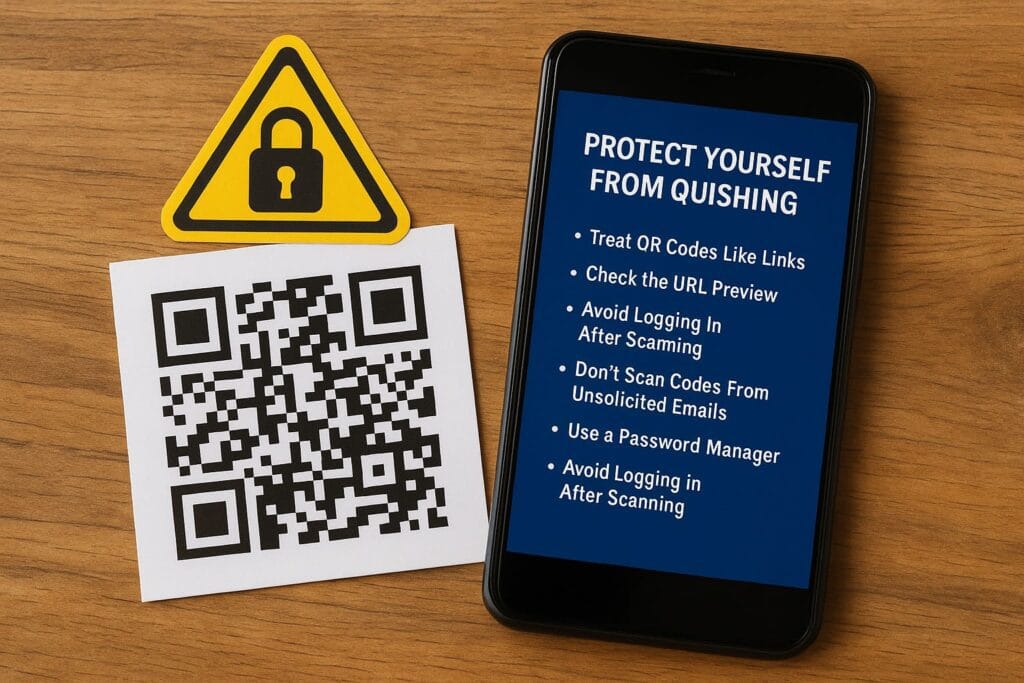
Here are practical, simple habits that dramatically reduce your risk.
Treat QR Codes Like Links You Cannot See
When you see a QR code, imagine someone sent you a link in a random email.
Would you click it without thinking? Probably not.
Apply the same mindset: the QR is just a disguised URL.
Always Check the URL Preview
Most modern phones and QR scanner apps show you a preview URL before opening it.
Pause for one second. Check the domain name carefully.
If it looks off, cancel instead of tapping.
Avoid Logging In After Scanning a QR
As a general rule, if a QR code leads to a login page, close it and navigate manually.
For example, if a code claims to be from your bank, exit the browser and open your banking app directly.
Don’t Scan Codes From Unsolicited Emails
If an email you did not expect tells you to “scan the QR to fix an issue,” treat it as suspicious by default.
Legitimate organizations usually offer multiple clear ways to contact them—via official apps, websites, or customer service.
Use a Password Manager
A password manager can act as a silent bodyguard.
It will only auto-fill login details on domains it recognizes.
If you land on a phishing site through a QR and the manager refuses to fill anything, that’s a strong sign to close the page.
Keep Your Mobile OS and Browser Updated
Updates are not just cosmetic.
They often include security patches that make it harder for malicious sites or downloads to exploit your device.
Turn on automatic updates where possible.
How Organizations Can Defend Against Quishing
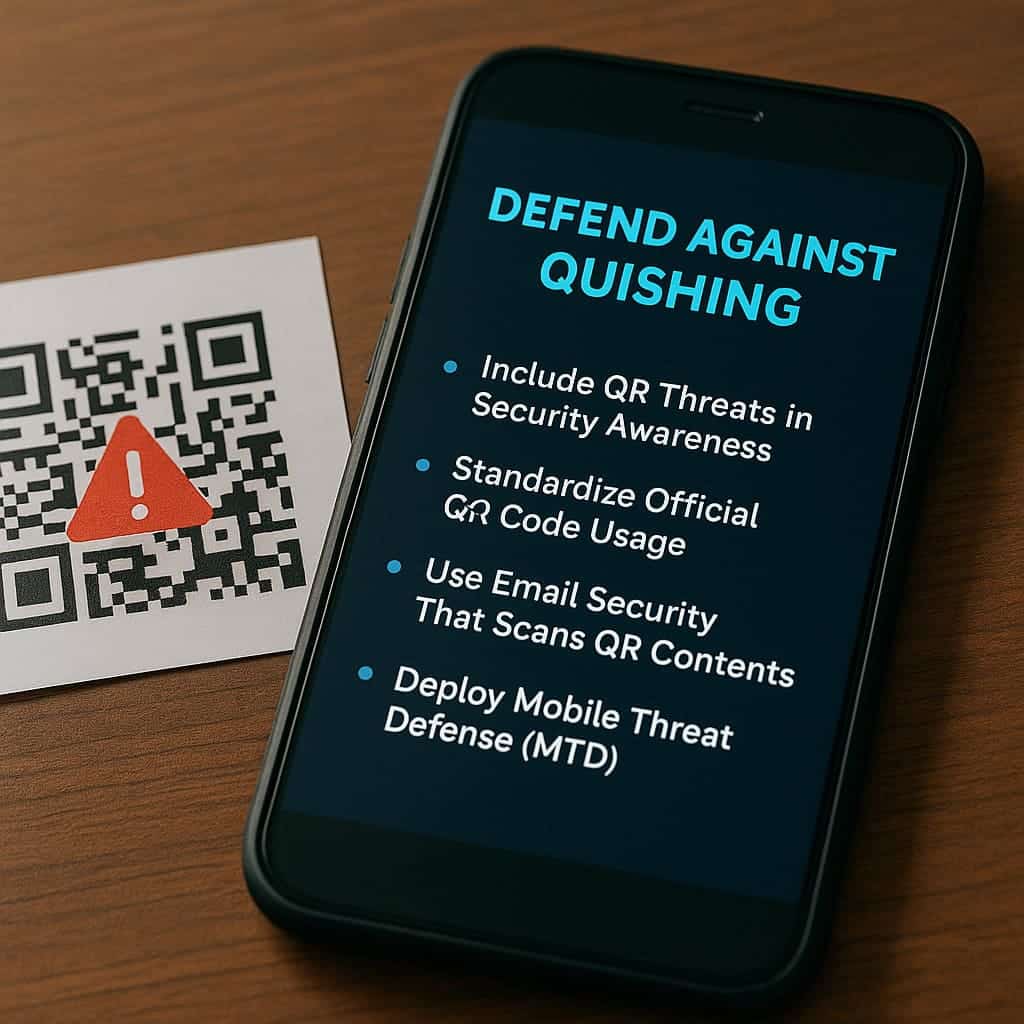
From a business perspective, quishing is a serious risk.
An employee with a compromised phone can unintentionally expose internal apps, sensitive data, or cloud resources.
Include QR Threats in Security Awareness Training
Most security awareness programs focus on email phishing, passwords, and social engineering.
Update your training material to include:
- Examples of malicious QR codes in both digital and physical contexts
- Guidelines on when employees should and should not scan codes
- Clear reporting channels for suspicious codes inside company premises
Standardize Official QR Code Usage
If your organization uses QR codes for marketing, authentication, or payments, create internal standards:
- Use branded designs and consistent styles.
- Document where official codes are placed in physical locations.
- Perform regular visual inspections to ensure nothing has been covered or replaced.
Use Email Security That Scans QR Contents
More advanced email security solutions can analyze QR codes in attachments,
extract the embedded URLs, and check them against threat intelligence feeds.
For companies heavily targeted by phishing, this extra layer is worth considering.
Deploy Mobile Threat Defense (MTD)
MTD tools run on employees’ smartphones and tablets,
monitoring network traffic and app behavior.
If a user visits a malicious domain—even through a QR code—the MTD agent can warn them or block the connection outright.
Adopt Zero-Trust Principles
Even if attackers successfully steal some credentials through quishing,
a zero-trust architecture can limit the damage.
This includes:
- Strong multi-factor authentication (MFA)
- Least-privilege access to internal systems
- Continuous monitoring of logins and session behavior
The Future of QR Code Security
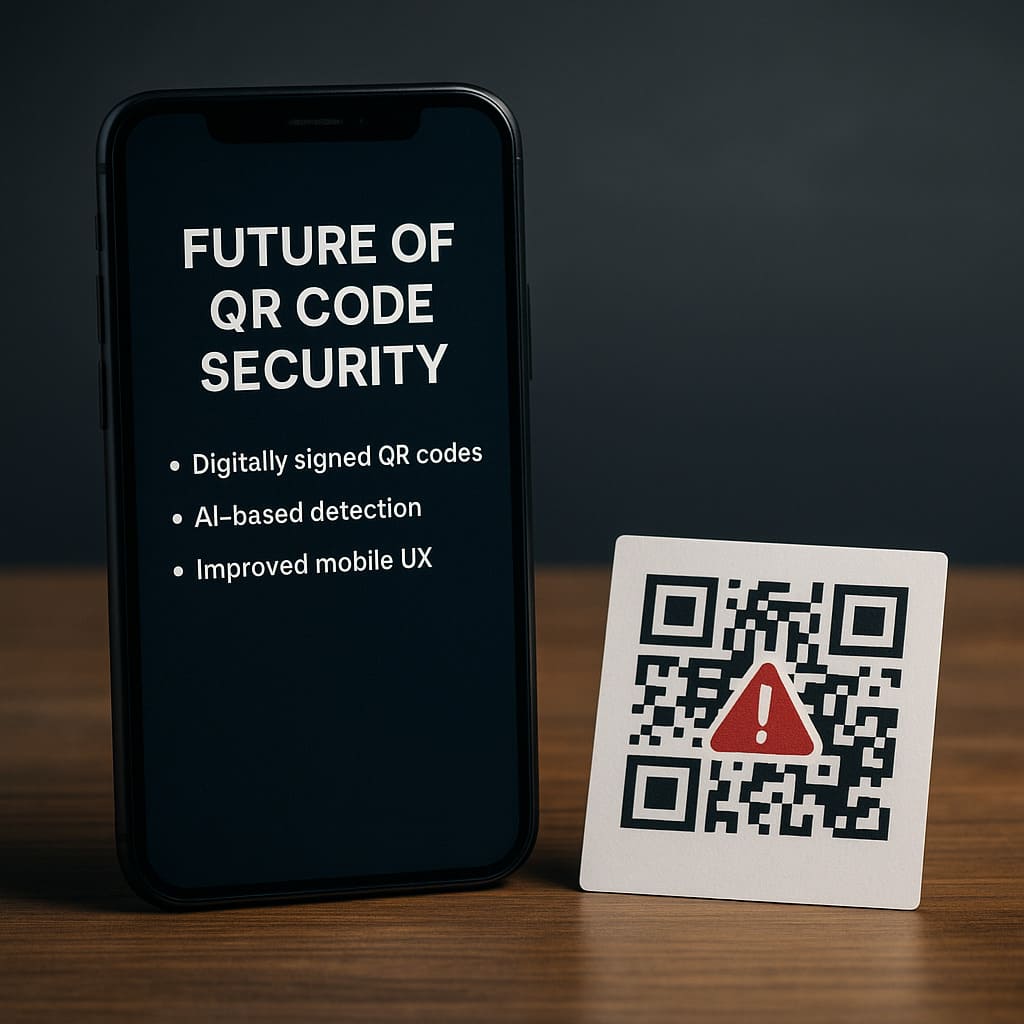
Quishing is likely to become more sophisticated over time,
but defensive technologies will also evolve.
Signed and Verifiable QR Codes
One promising direction is digitally signed QR codes, where the code includes cryptographic proof that it was generated by a trusted organization.
Mobile apps could verify this before opening the link, similar to how browsers verify SSL certificates for websites.
AI-Based Detection and Anomaly Analysis
AI models can be trained to analyze large volumes of QR codes,
spot suspicious patterns in domains, and correlate them with known threat actors.
In corporate ecosystems, AI may automatically flag or quarantine emails and documents that contain risky QR codes.
Better Mobile UX for Security
Over time, mobile operating systems and browsers may:
- Display larger, clearer domain names during QR navigation
- Warn users when scanning codes in high-risk contexts (public Wi-Fi, unknown networks)
- Offer “safe preview” modes that sandbox the first visit to a new domain
Until that happens, human awareness remains the best line of defense.
Key Takeaways: Building Your Personal QR Security Mindset
- QR codes are just links you cannot see—treat them with the same caution as random URLs.
- Context matters: public spaces and unsolicited emails are especially risky.
- If a QR code leads directly to a login or payment request, be extra careful.
- Use password managers, OS updates, and secure browsers to reduce your attack surface.
- For businesses, combine awareness training, QR policies, MTD, and zero-trust principles.
Quishing is not going away.
As long as QR codes remain a convenient bridge between the physical and digital worlds,
attackers will keep exploiting them.
The good news is that with a bit of knowledge and a few new habits,
you can enjoy the convenience of QR codes without handing over your data, money, or identity.
Frequently Asked Questions (FAQ)
Quishing is a type of phishing attack where malicious URLs are encoded inside QR codes.
When scanned, users are redirected to fraudulent sites, malware downloads,
or credential-harvesting pages.
QR codes are now used everywhere, from restaurants to parking systems. Attackers exploit
this familiarity by placing fake QR codes in public spaces or embedding them in emails
where users rarely suspect danger.
Always inspect the physical condition of the QR code, check URL previews before opening,
and avoid codes placed in strange locations or lacking proper branding or context.
Yes. Many quishing pages mimic official login portals, tricking users into entering their
credentials, which are then immediately sent to attackers for account takeover attempts.
Close the browser, avoid submitting information, and clear your history. If you entered
login details, change your password immediately and enable MFA. For payment or banking scans,
monitor transactions and report suspicious activity.
Businesses should provide QR-specific phishing training, audit physical QR placements,
standardize official QR usage, and use email security tools that analyze QR content
inside attachments.
Yes. Legitimate QR codes are safe when used correctly. Always verify the source,
check URL previews, and avoid entering sensitive information after scanning random codes.
The QR code itself cannot install malware, but it may direct you to a website that
downloads malicious files or prompts you to install unverified apps.
Often yes. QR codes in emails bypass traditional phishing filters because the links
are hidden inside images or PDFs. Treat unsolicited QR codes in email as high risk.
High-risk industries include finance, retail, education, hospitality, healthcare,
and corporate IT—sectors that rely heavily on QR codes for authentication, payments,
or customer interaction.
Only trust QR codes posted by verified accounts or official organizations.
QR codes on social media can be easily altered or used in scams posing as giveaways.
Some advanced security tools can analyze QR URLs or block malicious domains,
but many systems do not detect QR-based threats by default—making user awareness essential.
Conclusion
In a world that is moving faster than ever, QR codes promise simplicity—one quick scan, and life flows a little easier.
But hidden beneath that convenience is a new kind of vulnerability, one that thrives when we are distracted, tired, or simply trying to get through the day.
Quishing doesn’t succeed because people are careless; it succeeds because we are human.
Every small moment of awareness matters.
Looking twice at a URL, choosing not to scan a suspicious code, or trusting your instincts when something feels off—these tiny decisions protect more than your data.
They protect your identity, your peace of mind, and the digital world you’ve worked so hard to build.
Technology will continue to evolve, and so will the threats that come with it.
But so will you.
With the right knowledge and a mindset of thoughtful caution, you can navigate every QR code, every link, and every digital interaction with confidence.
You deserve to feel safe in your digital life—one mindful scan at a time.
Related Reading on ByteToLife.com
- How AI-Generated Phishing Sites Are Changing Cybercrime (and How to Defend Yourself)
- 184 Million Passwords Leaked: What It Means for Your Digital Security
- What Is Ransomware and How to Protect Yourself