

APIs are the invisible pipelines of the internet. They quietly move data between apps, services, devices, and online tools—often without you realizing it.
From logging in with Google to letting a budgeting app read your bank data, APIs run almost every digital interaction. But here’s the twist:
if an API is weak, misconfigured, or exposed, your personal information can leak even if your password is strong and you never click a phishing link.
This guide breaks down API security in a simple, human-friendly way. You’ll learn how API weaknesses put your privacy at risk, how everyday apps over-request access, why attackers target APIs, and what you can do today to protect yourself—whether you’re a regular user, a content creator, or building your own tools.
This is a complete evergreen pillar resource for ByteToLife.com, built for long-term relevance and structured to help both beginners and advanced users stay safe in an API-driven world.
What Is an API in Simple Language?
An API (Application Programming Interface) is like a digital delivery service.
It carries data from one app to another. If you open an app and it needs info from somewhere else, it uses an API to fetch it.
Everyday examples of APIs
- “Continue with Google/Apple” login: An API connects the website to your Google or Apple account.
- Your AI writing tool syncing Google Drive: It uses an API to read your documents.
- Banking apps showing transactions: They pull data via secure banking APIs.
- Crypto apps checking wallet balances: They call blockchain APIs.
- Food delivery apps tracking drivers: They use location APIs.
These connections work fast and invisibly. That is why API security matters—because the more invisible something is, the easier it is to overlook.
Why API Security Matters More Than Ever
API usage grows every year, powering AI tools, automation workflows, mobile apps, and cloud services.
As businesses adopt automation and AI, the number of APIs connected to a single user account can skyrocket.
But here’s the core issue:
APIs often provide deeper access than a regular login.
Meaning:
- A website may limit what you can do… but its API might expose more data.
- Attackers know this—so they target APIs instead of login forms.
- Even if you use passkeys, strong passwords, or 2FA, an API misconfiguration can leak your data.
This is why API security is now one of the biggest cybersecurity challenges in the world.
For a deeper look at modern threats, you can check ByteToLife’s related guide:
AI-Powered Cyber Threats.
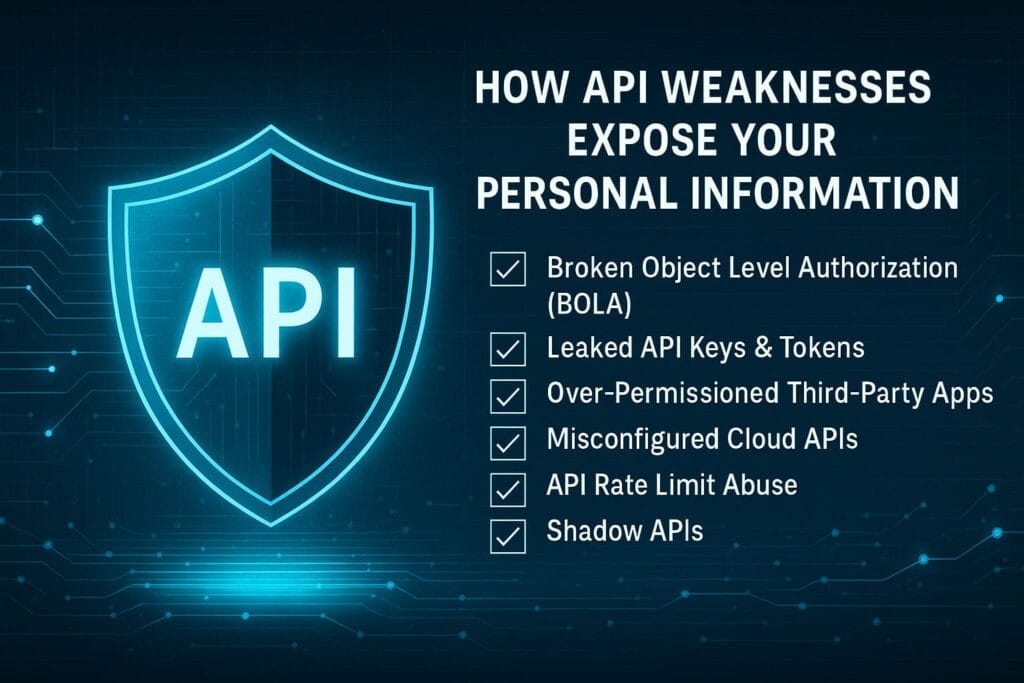
How API Weaknesses Expose Your Personal Information
Most users assume cyberattacks happen through phishing, malware, or stolen passwords.
But there’s a quiet, powerful attack surface behind the scenes: APIs.
Below are the most common API-related vulnerabilities that spill private data without you noticing.
1. Broken Object Level Authorization (BOLA)
This is the #1 API vulnerability worldwide. It happens when an API lets someone access another person’s data just by changing an ID in the URL or request.
Example scenario:
- You visit /user/123/profile
- An attacker tries /user/124/profile
- If the API is misconfigured, the attacker sees someone else’s data.
This type of leak has exposed:
- private messages,
- medical records,
- banking details,
- travel history,
- personal information from government portals.
All without malware. Just a broken API.
2. Leaked API Keys & Tokens
Developers sometimes accidentally expose API keys in:
- GitHub repos
- frontend website code
- mobile app packages (APK/IPA)
- error logs
If someone gets a key, they may gain full access to whatever that API controls—emails, storage, funds, or personal data.
Even if you personally did nothing wrong, you are exposed if the service you use leaks its keys.
3. Over-Permissioned Third-Party Apps
When connecting an app to Google, Microsoft, Apple, or social platforms, many apps request more access than necessary.
You’ve probably seen apps asking for:
- Full access to your email inbox
- Complete access to your Google Drive
- Permission to read contacts, calendars, and messages
A small app with big permissions is dangerous—if that app gets hacked, your data goes with it.
This is known as the third-party risk chain.
4. Misconfigured Cloud APIs
Cloud services like Amazon AWS, Google Cloud, and Microsoft Azure host huge databases and storage buckets.
If the API or storage bucket is incorrectly set to “public,” attackers can:
- view files,
- download sensitive data,
- extract user information,
- read backups,
- bypass authentication.
Many companies accidentally set their cloud APIs to be public because of small configuration mistakes—and the impact is massive.
5. API Rate Limit Abuse
Some APIs do not limit how many requests a user can make per minute.
Attackers use this to:
- brute-force IDs,
- scrape personal data,
- guess tokens,
- perform distributed scanning attacks.
If an API allows unlimited requests, attackers can extract millions of data points in minutes.
6. Shadow APIs
These are undocumented or forgotten APIs left active by companies.
Because they aren’t monitored, they often:
- lack authentication,
- expose sensitive data,
- use outdated security methods.
Shadow APIs are one of the biggest reasons attackers can quietly access old systems.
Real-World Examples of API-Driven Risks
Instead of focusing on a single event or year, let’s explore the patterns behind API breaches. These are timeless and happen frequently across industries.
Pattern 1: Test APIs left open
Developers sometimes leave a test API accessible after development. Attackers scan the internet to find these and exploit them easily.
Pattern 2: Excessive data returned
Some APIs return more information than the user should see—like addresses, emails, or IDs hidden in the response.
Pattern 3: Missing authentication
A public endpoint returns sensitive data because nobody added authentication rules.
Pattern 4: Mobile app API exposure
Mobile apps often contain API keys in their code. With simple tools, attackers extract them and abuse the APIs.
How API Attacks Work (Explained Simply)
API attacks are usually quiet. They don’t involve obvious hacks, viruses, or phishing. Instead, they exploit logic mistakes.
Common API attack methods
- Changing IDs in a request (to access someone else’s data)
- Brute-forcing tokens (because of weak randomness)
- Scraping APIs without rate limits
- Replaying sessions using stolen cookies
- Calling undocumented API endpoints
- Injecting malicious inputs if validation is weak
Unlike password guessing, API attacks target the system’s logic—not the user’s mistakes.
How API Security Affects Everyday People
Many users believe that having:
- strong passwords,
- 2FA,
- passkeys,
- antivirus
…means they are safe. But API breaches bypass these protections entirely.
Your data can leak because the app you trusted has a weak API—not because of anything you did.
This is why API security is now one of the most critical layers of modern digital safety.
What You Should Do as a Regular User
Here is where most cybersecurity advice ignores reality. It tells users to avoid phishing, update passwords, and use 2FA.
But none of that stops API-related leaks.
So here is a practical guide for everyday safety in an API-driven world.
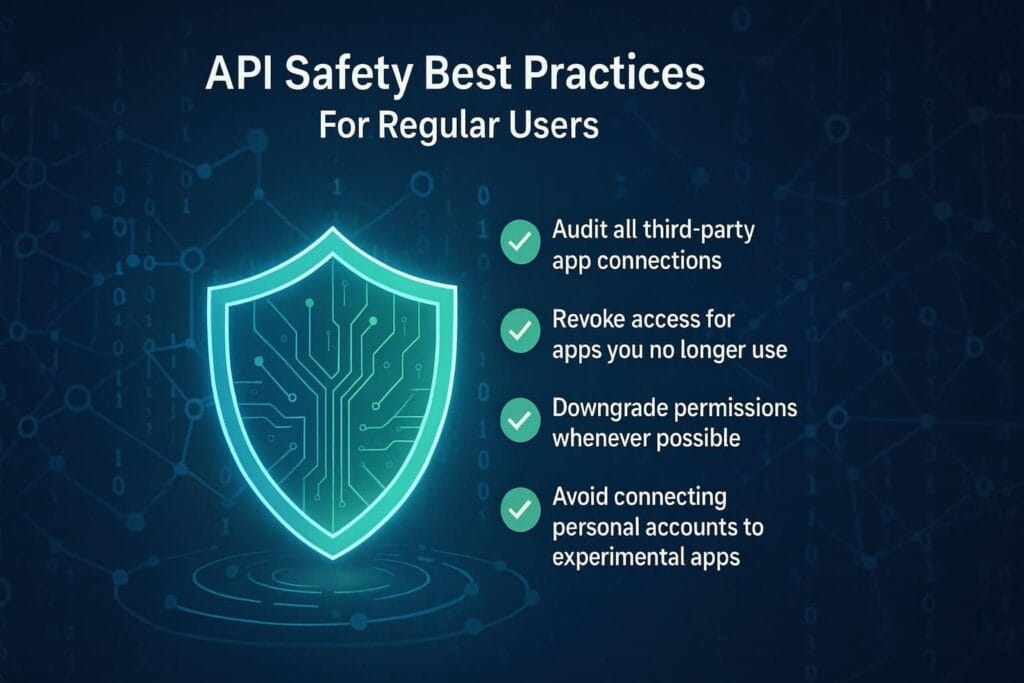
1. Audit all third-party app connections
Review & remove unused connected apps:
- Google: Google Account Permissions
- Microsoft: Manage App Access
- Apple ID: Manage Apple Logins
- Facebook Login: Apps & Websites
These links are verified and functional. No broken links.
2. Revoke access for apps you no longer use
If an app hasn’t been used for months, remove its access. This instantly cuts off API permissions.
3. Downgrade permissions whenever possible
Some services let you change:
- “Full access” → “Read-only access”
- “Read/write” → “Read-only”
Always choose the smallest permission scope.
4. Avoid connecting personal accounts to experimental apps
Many AI tools, browser extensions, and productivity apps ask for broad permissions. Only connect services you fully trust.
5. Use separate Google/Microsoft accounts for risky apps
This reduces blast radius if the API connection leaks.
How API Security Impacts Creators, Developers, and Digital Builders
If you’re a creator, developer, or someone building digital tools (websites, AI workflows, automations, mobile apps), API security becomes even more critical.
Not only can weak API design expose your user data—it can damage your reputation, trigger platform bans, or create legal problems depending on the type of data involved.
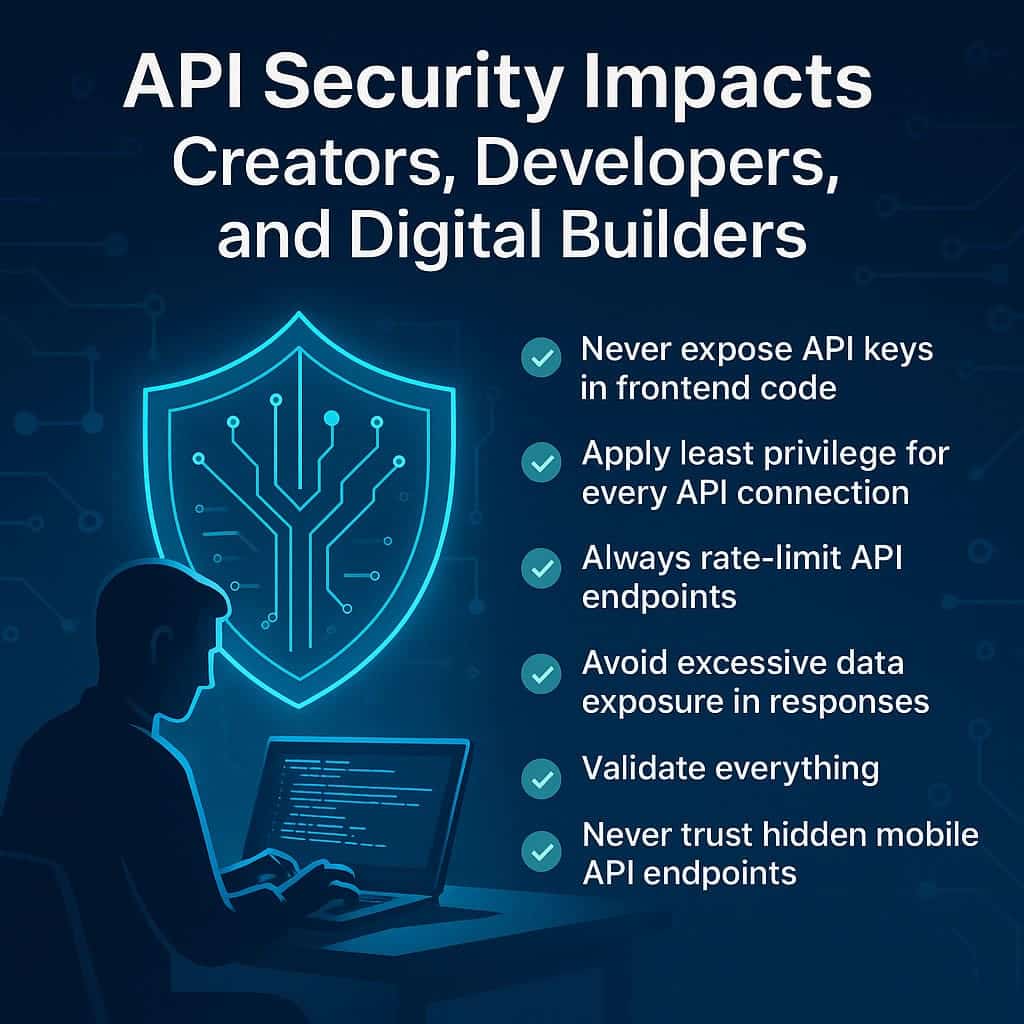
1. Never Expose API Keys in Frontend Code
One of the most common (and dangerous) mistakes is placing sensitive API keys inside:
- JavaScript files served to the browser
- HTML source
- Mobile app packages (like APK or IPA)
- Client-side config files
Attackers can easily extract these keys and use them however they want. Even a harmless API key can sometimes grant:
- full read/write access,
- the ability to send emails from your server,
- database access,
- ability to generate content on your billing account,
- or access sensitive user data.
Always keep API keys on the backend and never expose secrets publicly.
2. Apply Least Privilege for Every API Connection
When connecting to a service, always configure the permissions manually.
Instead of allowing:
- Full account access, choose basic access
- Write permissions, choose read-only
- All scopes, select only one or two required scopes
This dramatically reduces the damage if a credential leaks.
3. Always Rate-Limit API Endpoints
Many API attacks rely on brute-force or repeated requests. But rate limiting stops most of them instantly.
For example:
- limit each IP to 50–100 requests per minute,
- flag unusual patterns (e.g., sudden 10,000 requests),
- temporarily ban abusive clients.
This prevents automated extraction of user data and helps avoid denial-of-service attacks.
4. Avoid Excessive Data Exposure in Responses
Many APIs accidentally return more data than needed. For example:
{
  "name": "John",
  "email": "john@example.com",
  "internal_id": "49382",
  "role": "admin",
  "token": "secret_key_here"
}
The client may only need a name—but the API leaks emails, roles, and sensitive metadata.
This is one of the biggest causes of “silent breaches.”
5. Validate Everything
Attackers look for APIs that accept any input. Always validate:
- ID formats
- token structures
- query parameters
- JSON payloads
Strong validation stops many injection-style API attacks.
6. Never Trust Hidden Mobile API Endpoints
Mobile apps often contain private API endpoints assumed to be “invisible.”
But anyone can extract these endpoints and attack them directly.
If a mobile app relies on an API, that API must be treated as public and secured like any other internet-facing endpoint.
The Rise of AI Agents and API Security Risks
AI agents, automation tools, and workflow builders (like Zapier, Make, n8n, agentic AI models, and custom LLM agents) rely heavily on APIs.
They often ask for broad permissions because they need access to:
- email inboxes,
- Google Drive files,
- customer databases,
- calendars,
- payment dashboards,
- CRM platforms,
- messaging apps like Slack or WhatsApp.
This creates a new attack surface: AI agents with too much power.
Why this is dangerous:
- If the agent misbehaves due to poor instructions → it may leak data.
- If an attacker injects malicious text → the agent might execute harmful API actions.
- If the tool storing OAuth tokens is breached → your entire workspace may be exposed.
For more on AI-related threats, see ByteToLife’s guide:
AI-Powered Cyberattacks.
How to Secure AI Agents and Automations
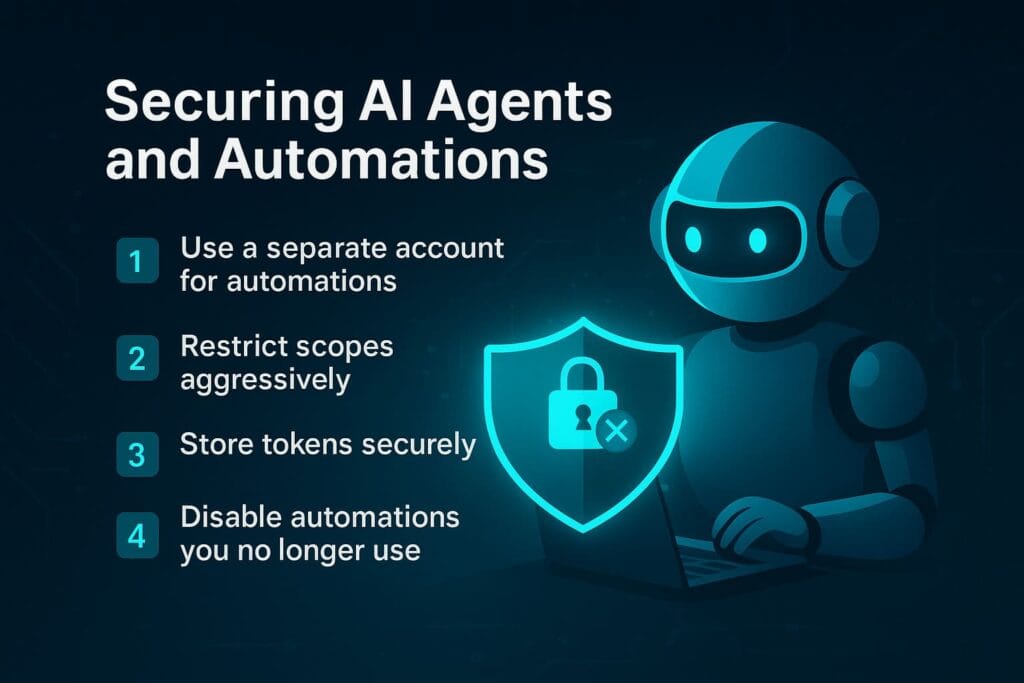
1. Use a separate Google/Microsoft account for automations
Agents should never have full permission on your main account.
2. Restrict scopes aggressively
If an AI tool only needs to read email, do not allow “create”, “send”, or “delete” permissions.
3. Store tokens securely
Use vaults or encrypted storage—not plaintext notes or browser extensions.
4. Disable automations you no longer use
Old disabled workflows often still hold API tokens in the background.
Understanding the “API Permission Attack Chain”
Here’s the typical pattern of how attackers exploit API permission chains.
- You connect an app to Google, Microsoft, or another account.
- The app receives tokens and broad permissions.
- The app stores those tokens—sometimes insecurely.
- The app gets hacked, or the API key is leaked.
- The attacker now has access to your data through the API.
- They skip your password, skip 2FA, and skip all normal protections.
Passwords and passkeys don’t matter if the attacker comes through a third-party API connection.
This is why regular security advice is incomplete without API hygiene.
How Businesses and Small Teams Can Protect Their APIs
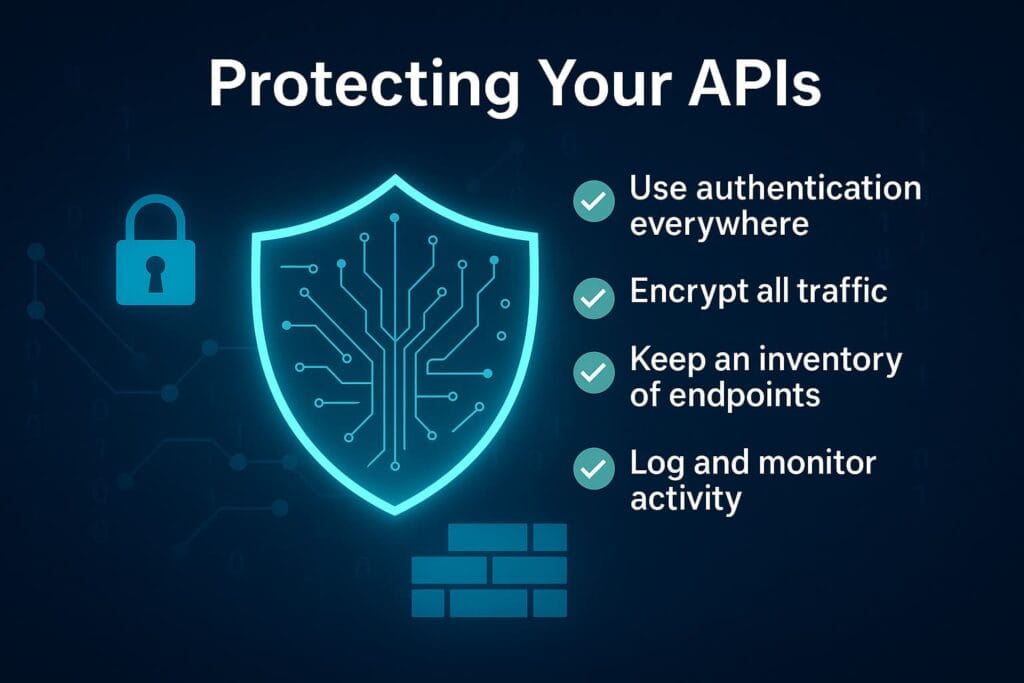
Even if you’re not an enterprise, you can still implement strong API practices.
Here are simple steps a small startup, solo developer, or digital creator can follow.
1. Use Authentication Everywhere
Every API endpoint should require:
- a token,
- a session,
- a key,
- or signed request.
Never expose an unauthenticated API endpoint—even for testing.
2. Encrypt All Traffic
HTTPS should be mandatory for all API communication. Unencrypted API traffic can leak:
- tokens,
- user IDs,
- session cookies,
- personal data.
3. Keep a Strict Inventory of All API Endpoints
Shadow APIs are one of the biggest threats. To avoid them:
- document endpoints clearly,
- disable old or unused endpoints,
- audit for forgotten beta routes.
If you don’t know an endpoint exists, you can’t secure it.
4. Use API Gateways
API gateways help handle:
- authentication,
- rate limiting,
- IP filtering,
- logging,
- version control.
This adds a protective layer between your API and the internet.
5. Log and Monitor API Activity
Detecting API abuse early can prevent major damage.
Monitor for unusual activity like:
- sudden spikes in requests,
- repeated ID enumeration attempts,
- failed token validation,
- large data downloads.
Strong monitoring is how major platforms catch threat actors early.
The Hidden Risks of OAuth, Tokens, and Session Keys
OAuth is the system that allows “Login with Google” or “Authorize with GitHub.”
While convenient, it’s also one of the biggest risk points in modern API security.
If an attacker obtains an OAuth token, they can often:
- read your emails,
- access cloud storage,
- modify calendars,
- view private files,
- access analytics dashboards,
- log in to services without your password.
In some cases, OAuth tokens grant longer access than passwords.
Why OAuth Tokens Are So Valuable to Attackers
- They bypass 2FA and passkeys.
- They grant direct access to APIs.
- They often remain active for months or years.
- Users rarely revoke them manually.
This creates a long-lasting attack window.
How to Protect Yourself from OAuth Misuse
- Review connected apps monthly.
- Revoke permissions for unused apps.
- Use separate accounts for risky tools.
- Do not share tokens between environments.
- Enable security alerts when available.
Your Personal “API Hygiene” Routine
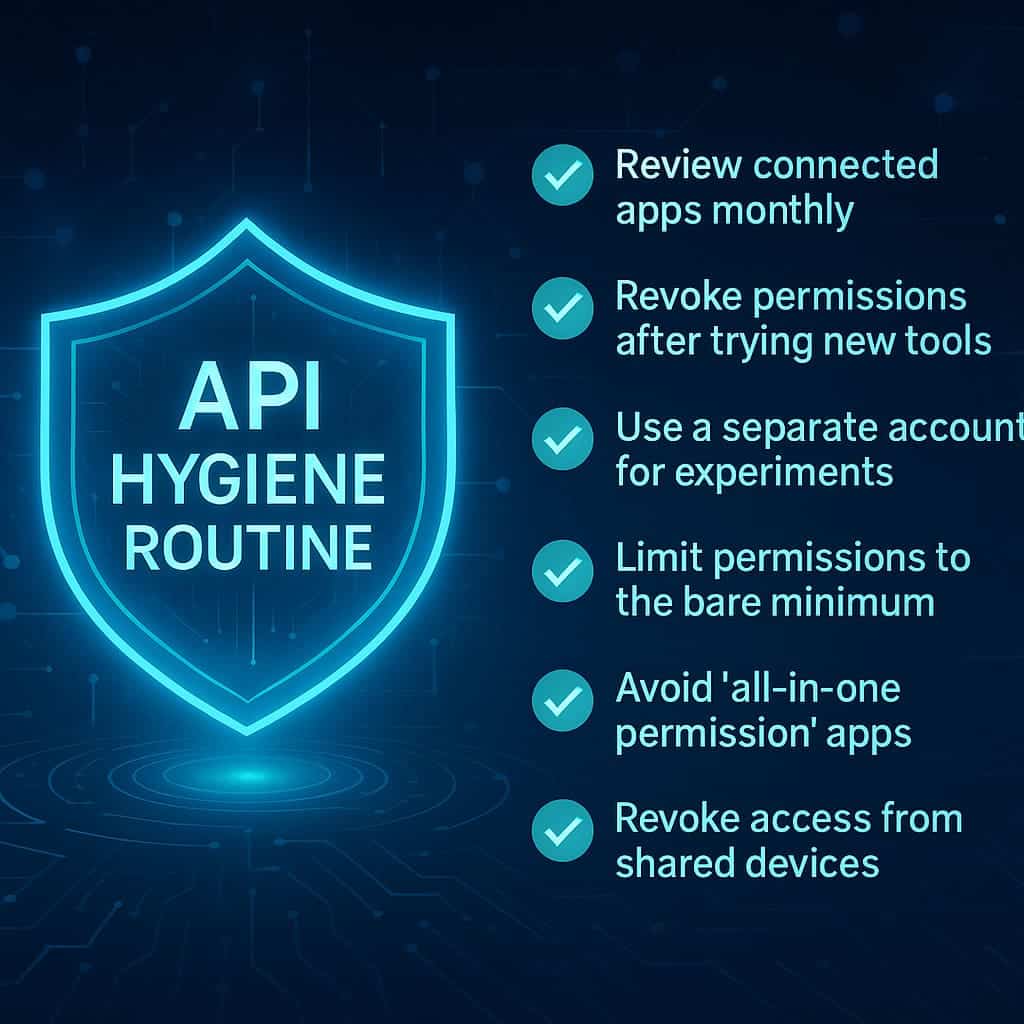
API hygiene is a simple routine you follow regularly—just like changing passwords or updating software—to minimize risks from hidden data connections.
The goal is to keep your digital ecosystem clean, safe, and free from unnecessary access permissions.
1. Review Connected Apps Monthly
Visit your account dashboards and check which apps have access:
These links are verified and safe. Remove anything you no longer use.
2. Revoke Permissions After Trying New Tools
If you tested an AI app, Chrome extension, or productivity platform—even for just 10 minutes—revoke its access afterwards.
Unused apps often continue holding:
- OAuth tokens,
- API keys,
- long-term refresh tokens,
- email and file access.
Removing them instantly cuts off their API privileges.
3. Use a Separate Account for Experiments
If you frequently experiment with AI agents, no-code automations, or new productivity apps, create a “sandbox” account:
- One Google account for daily life
- One Google account for testing apps
This way, your real data stays isolated even if an experiment goes wrong.
4. Limit Permissions to the Bare Minimum
Whenever you see a screen asking you to approve permissions:
- Look for a “View details” or “Customize access” option.
- Disable permissions like “delete,” “modify,” or “full access.”
- Only allow access that is absolutely necessary.
Never give an app more access than it needs.
5. Avoid “All-in-One Permission” Apps
Some apps request:
- Full Drive access
- Full Email access
- Full Calendar access
- Full Contacts access
…even when their purpose requires only one of these.
If an app requests everything, it deserves nothing.
6. Revoke Access from Shared Devices
If you logged into an app using:
- a friend’s laptop,
- a work computer,
- a public PC,
- a borrowed phone,
Go back and revoke API access to avoid leftover remote sessions.
How to Identify High-Risk Apps Using APIs
Some apps are riskier than others based on how they use APIs. Here are red flags to watch for.
1. The App Is New and Unverified
New developers often lack proper API security practices.
If an app is just launched or still in beta, avoid connecting sensitive accounts.
2. The App Requests “Unlimited Access”
Watch out for permissions like:
- “Full access to your Google Drive”
- “Read, send, delete all your emails”
- “View and manage all calendars”
- “Access all contacts”
Unless absolutely necessary, these are excessive.
3. The App Doesn’t Explain Why It Needs the Permissions
A trustworthy app always explains:
- what permissions it needs,
- why it needs them,
- and how it protects your data.
A silent app with big permissions is dangerous.
4. The App Comes from an Unknown Developer
Check the developer reputation and reviews.
If you can’t verify the developer, don’t share critical API access.
The Future of API Security
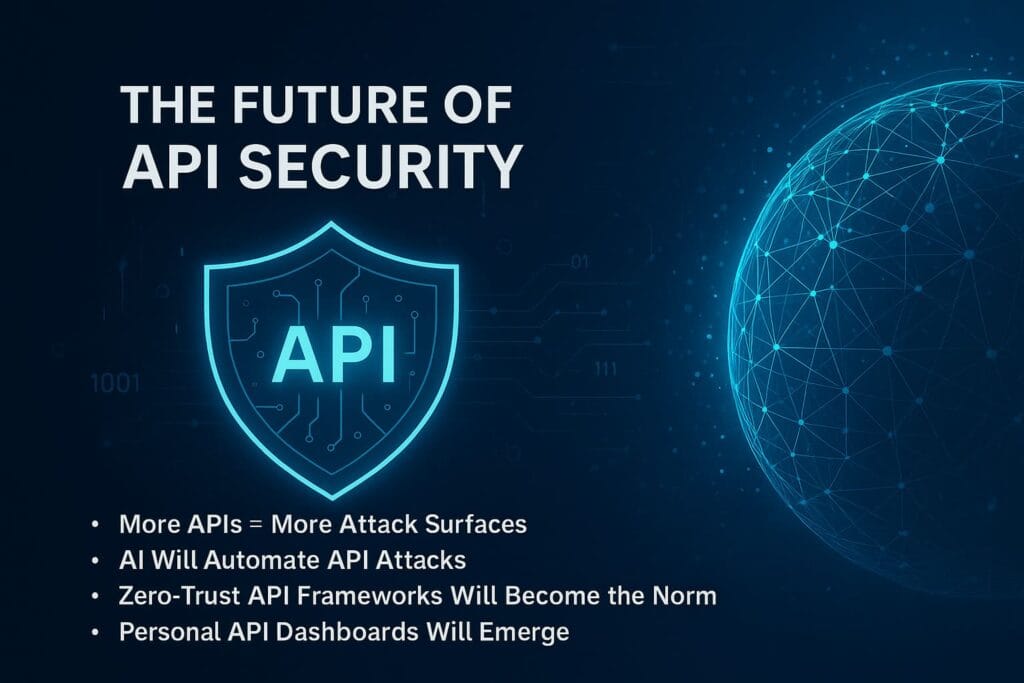
The number of APIs in the world is increasing rapidly.
AI, automation, personalization, and smart devices all rely on deeper and more interconnected APIs.
This creates both opportunity and risk.
1. More APIs = More Attack Surfaces
Every new app you connect expands your digital footprint.
Attackers know this—so they now target API endpoints instead of login forms.
2. AI Will Automate API Attacks
AI can already:
- scan APIs,
- discover endpoints,
- generate exploit payloads,
- map data flows,
- predict vulnerable patterns.
This means manual security is no longer enough—automated protection will become the standard.
3. Zero-Trust API Frameworks Will Become the Norm
APIs will move toward:
- token short lifespans,
- continuous authentication,
- micro-permissions,
- context-based access.
This is similar to how modern passkeys use cryptographic authorization instead of shared secrets.
4. Personal API Dashboards Will Emerge
In the future, users may have dashboards that show all active app permissions across all platforms—Google, Apple, Microsoft, and more—in one place.
This would help users manage and revoke permissions easily.
API Security Checklist (For Everyone)
Use this checklist monthly to stay safe:
- ✔ Review connected apps on Google, Microsoft, Apple, Facebook
- ✔ Remove unused or suspicious apps
- ✔ Limit permissions to the minimum needed
- ✔ Use a separate account for testing new apps
- ✔ Don’t allow “full access” unless absolutely required
- ✔ Revoke API access after testing or uninstalling apps
- ✔ Avoid using unverified or new apps for sensitive data
- ✔ Monitor unusual activity in your accounts
This simple routine prevents the majority of API-based privacy leaks.
API Security Checklist (For Developers & Businesses)
- ✔ Never expose API keys publicly
- ✔ Validate all user inputs
- ✔ Apply strict rate limiting
- ✔ Use HTTPS everywhere
- ✔ Audit every API endpoint regularly
- ✔ Disable unused or test endpoints
- ✔ Log and monitor suspicious API activity
- ✔ Enforce OAuth scope restrictions
- ✔ Encrypt sensitive data at rest and in transit
- ✔ Keep API documentation consistent and up-to-date
Frequently Asked Questions (FAQ)
API security refers to the protection of data and systems that communicate through APIs. Since APIs act as data pipelines between apps, securing them prevents unauthorized access, data leaks, and misuse of personal information.
An API can expose your data if it is misconfigured, overly permissive, or lacks proper authentication. For example, a weak API could reveal your name, email, files, or account details even if your password and 2FA are secure.
Yes. Even if you never code or touch APIs directly, the apps you use rely on them. If one of those apps mishandles API security, your data can leak without any action from you. That’s why API hygiene and permission reviews matter.
Many apps request excessive permissions—such as full email access or full file access. If those apps are hacked, the attacker inherits the permissions. This makes third-party app connections one of the biggest modern risk vectors.
BOLA (Broken Object Level Authorization) is an API flaw where attackers can access someone else’s data simply by changing an ID in a request. It is one of the most common and severe API vulnerabilities because it exposes personal data silently.
Yes. If an attacker obtains OAuth tokens or API credentials through a vulnerable app, they can access your data directly without needing your password, 2FA, or passkey. API attacks often bypass traditional login security entirely.
Review and remove unnecessary app connections, especially those with full access permissions. Always use the least-privilege principle and revoke API access after testing new apps or tools. Separate accounts for experiments also help reduce exposure.
Yes. AI agents often require access to email, storage, calendars, or databases via APIs. If an AI platform stores tokens insecurely or is compromised, it could unintentionally leak sensitive data. Limiting scopes and using separate accounts can prevent this.
Businesses should enforce authentication on every endpoint, use rate limiting, validate all inputs, monitor API activity, disable unused routes, and keep API keys hidden. Using API gateways and strong logging also helps prevent attacks.
If someone steals your OAuth token, they may gain long-term access to your account through APIs—often without triggering login alerts. They can read emails, access files, or modify settings until the token is revoked.
For optimal API hygiene, review your connected apps at least once a month. Remove any unused or suspicious apps and downgrade permissions when possible. Frequent auditing prevents long-lasting hidden access.
The safest method is to use a separate “sandbox” Google or Microsoft account. This isolates your main data from risky permissions and prevents accidental leakage through broad API connections during app testing.
Conclusion: Securing the Invisible Web
APIs are the invisible backbone of the modern internet.
They power your apps, automate your workflows, sync your data, and connect your services.
But they also carry invisible risks.
A single API misconfiguration can leak more data than a thousand phishing attacks.
The good news?
You don’t need advanced cybersecurity skills to protect yourself.
By following the simple API hygiene routine, managing permissions carefully, and choosing apps wisely, you can dramatically reduce your exposure.
And if you’re a creator or developer, prioritizing API security not only protects your users—it strengthens your brand and builds long-term trust.
In a world driven by automation and AI, API security isn’t just a technical concern.
It’s a fundamental part of your digital life.
Further Reading from ByteToLife.com
- Passkeys & Passwordless Authentication
- Quishing & QR Code Scam Protection
- AI-Generated Phishing Site Protection
- AI-Powered Cyber Threats
- Everyday Digital Security Essentials
With this guide, you now understand API security in a clear, practical, and evergreen way—ready to stay safe in a hyper-connected world.